Figure 103: Thumbnail for a DSA group
2. Select the thumbnail for the DSA group in the Image Overview pane of
the Acquisition window.
The selected DR detector is activated. The default X-ray exposure
parameters and X-ray system position for the selected examination are
sent to the modality. The software console displays these settings in the
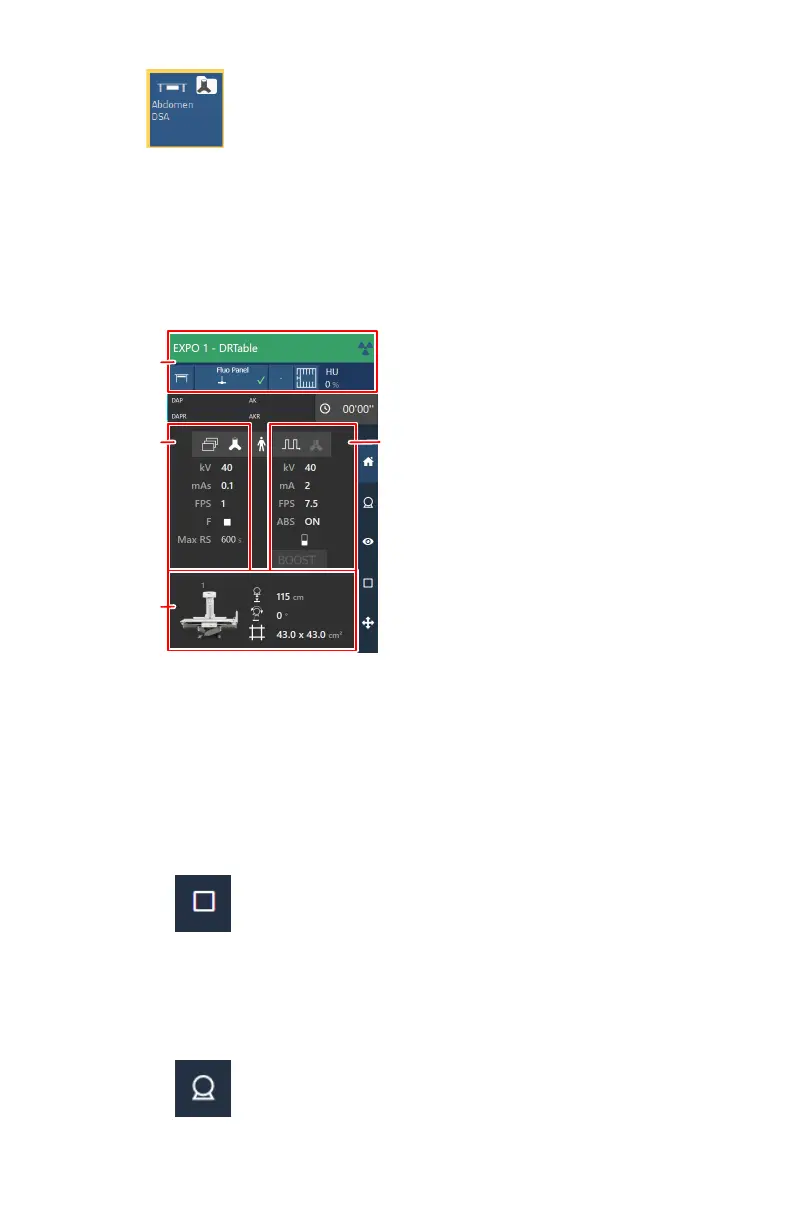
examination overview.
1.
X-ray modality settings
2.
Generator settings for DSA image acquisition
3.
Generator settings for fluoroscopy or for roadmapping image
acquistion (roadmapping is not part of this workflow)
4.
Automatic position
Figure 104: Examination overview
a) Check the X-ray modality settings.
Figure 105: X-ray modality controls on the software console
b) Check the exposure settings.
The DSA acquisition group contains settings for fluoroscopy, for static
images and for DSA exposures (based on rapid sequence).
Figure 106: Generator controls for static images and for DSA
DR 800 | Basic Workflow |
131
0392C EN 20210309 1049



 To Next Page