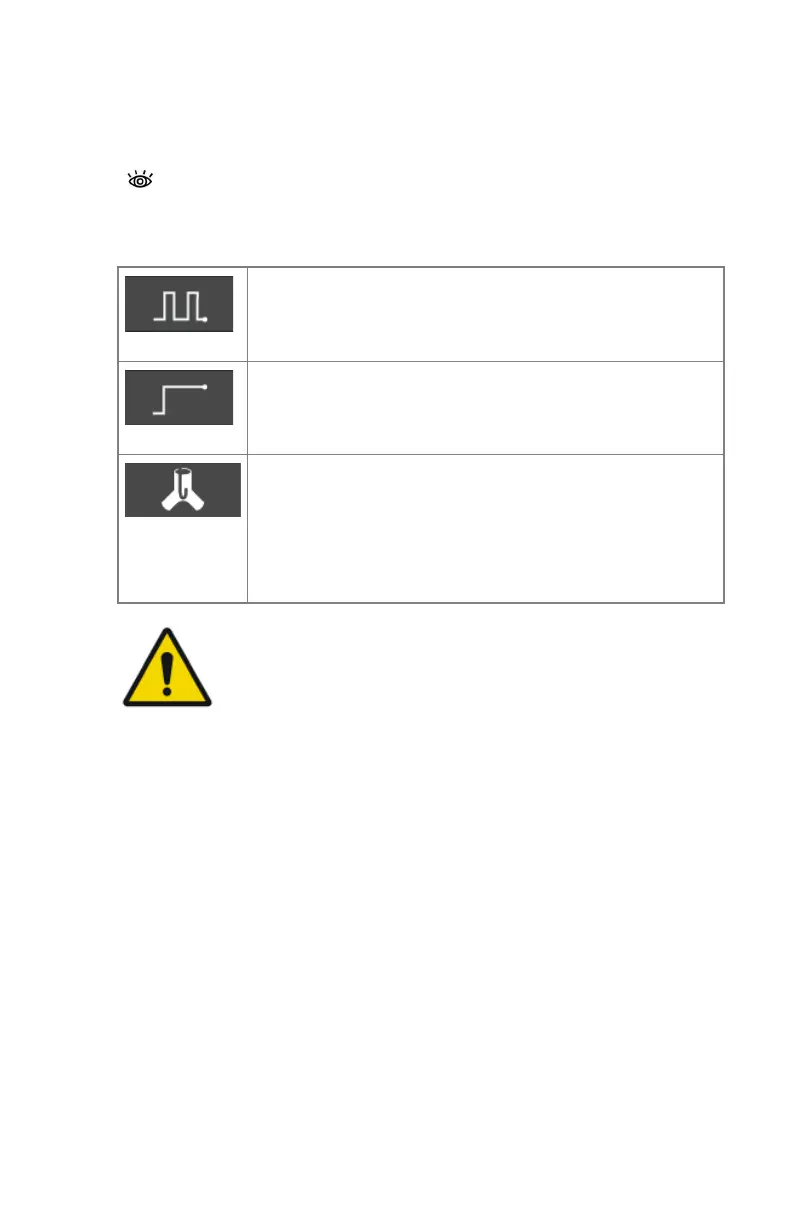
Fluoroscopy imaging modes
The active imaging mode determines the function of the fluoroscopy pedal.
Table 35: Fluoroscopy imaging modes
Pulsed fluoroscopy
Pressing the fluoroscopy pedal will trigger a fluoroscopy ex-
amination, lasting until the button is released.
Continuous fluoroscopy
Pressing the fluoroscopy pedal will trigger a fluoroscopy ex-
amination, lasting until the button is released.
Roadmapping
Pressing the fluoroscopy pedal will start fluoroscopy expo-
sure for generating the roadmapping mask
Roadmapping mode uses the same radiographic parameters
as pulsed fluoroscopy mode.
WARNING:
Unsharpness of moving objects when using continuous
fluoroscopy can occur. Sharpness of moving objects can be
improved by switching to pulsed fluoroscopy.
Related Links
Radiography imaging modes on page 206
220 | DR 800 | Software Console
0392C EN 20210309 1049



 To Next Page