Check the exposure settings
The availability of following controls depends on the configuration.
The Image Overview pane displays the empty thumbnails for the exposures
that are required for the examination.
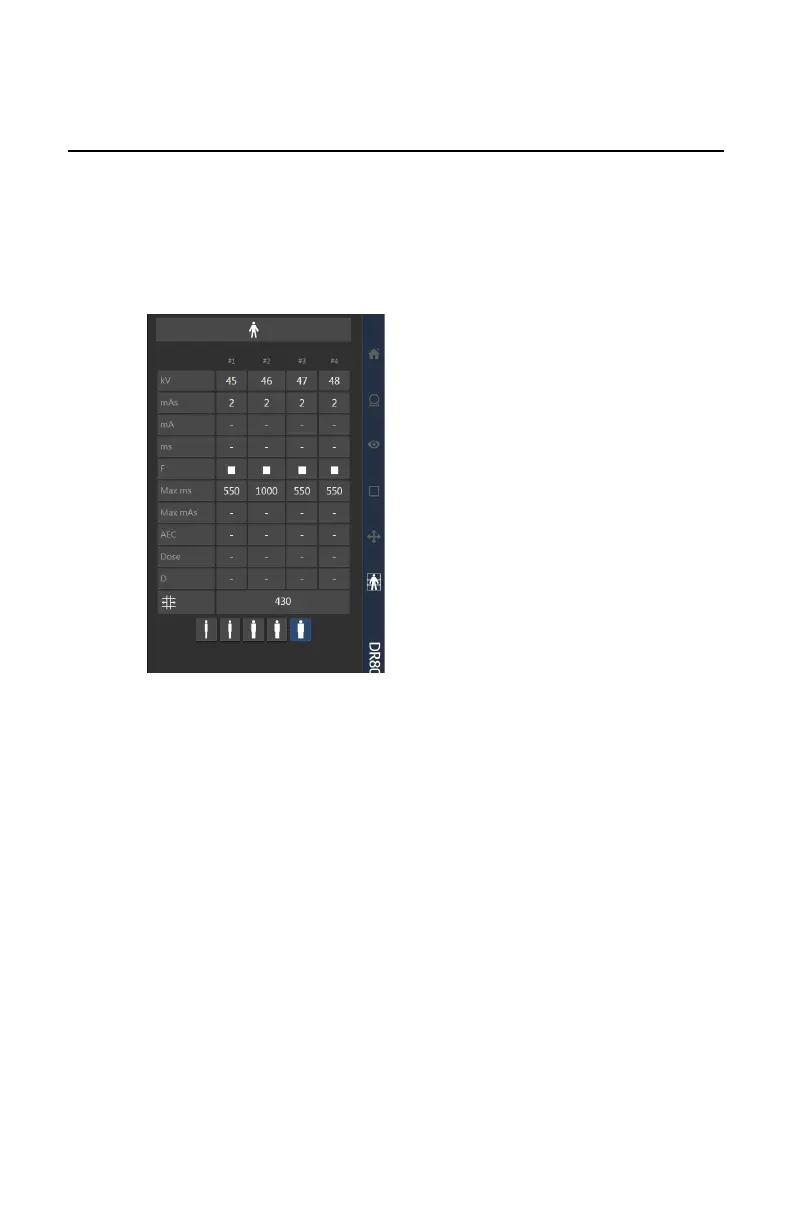
1. Check if the settings for patient size that are displayed on the console are
suitable for the examination.
Figure 132: Exposure parameters for the partial images
2. If other exposure values are required, edit the settings.
a) Touch the displayed setting.
The editing screen is displayed.
DR 800 | Full Leg Full Spine | 167
0392C EN 20210309 1049



 To Next Page