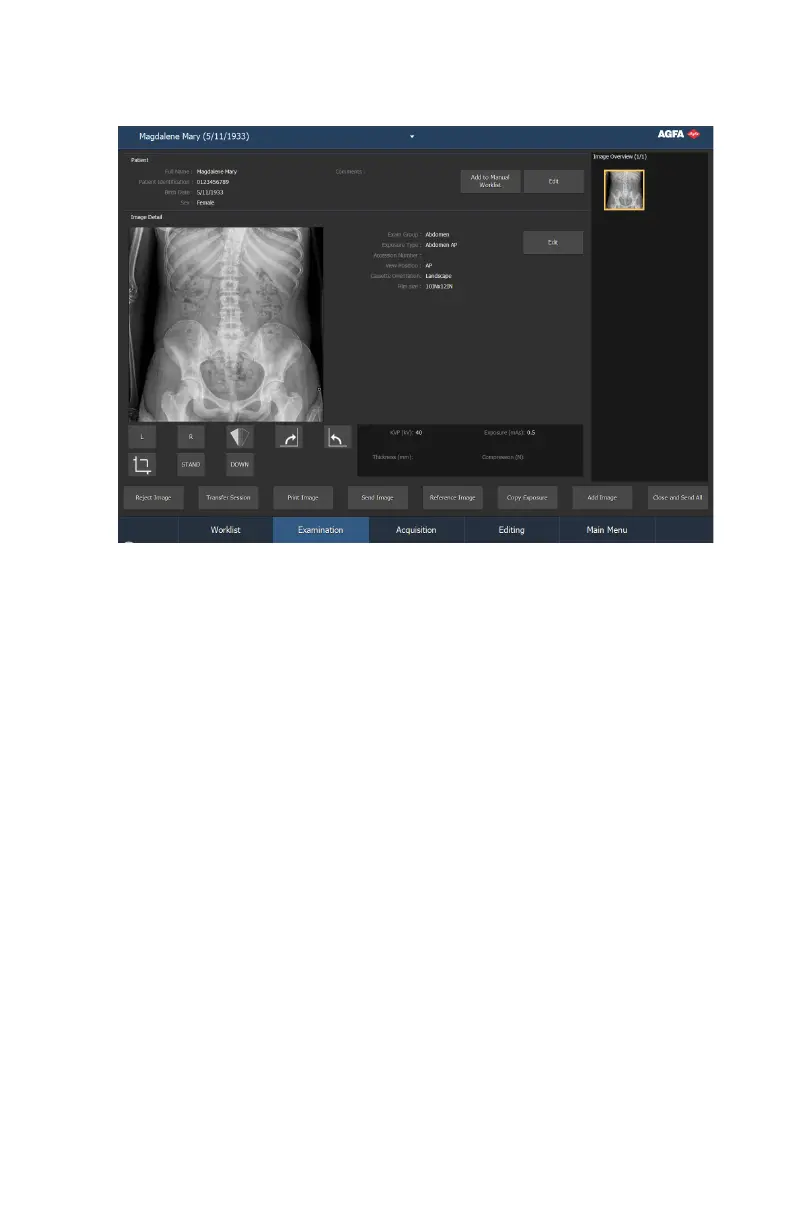
Examination window
Figure 13: Examination window
In the Examination window, you can view and manage the details of a
specific examination. The drop-down list in the title bar of the window shows
the name of the patient for which the examination is performed. You can
select another name from the list to display the examination of the patient.
Also the most important tools to prepare the images for diagnosis are available
here.
30 | DR 800 | Introduction
0392C EN 20210309 1049



 To Next Page