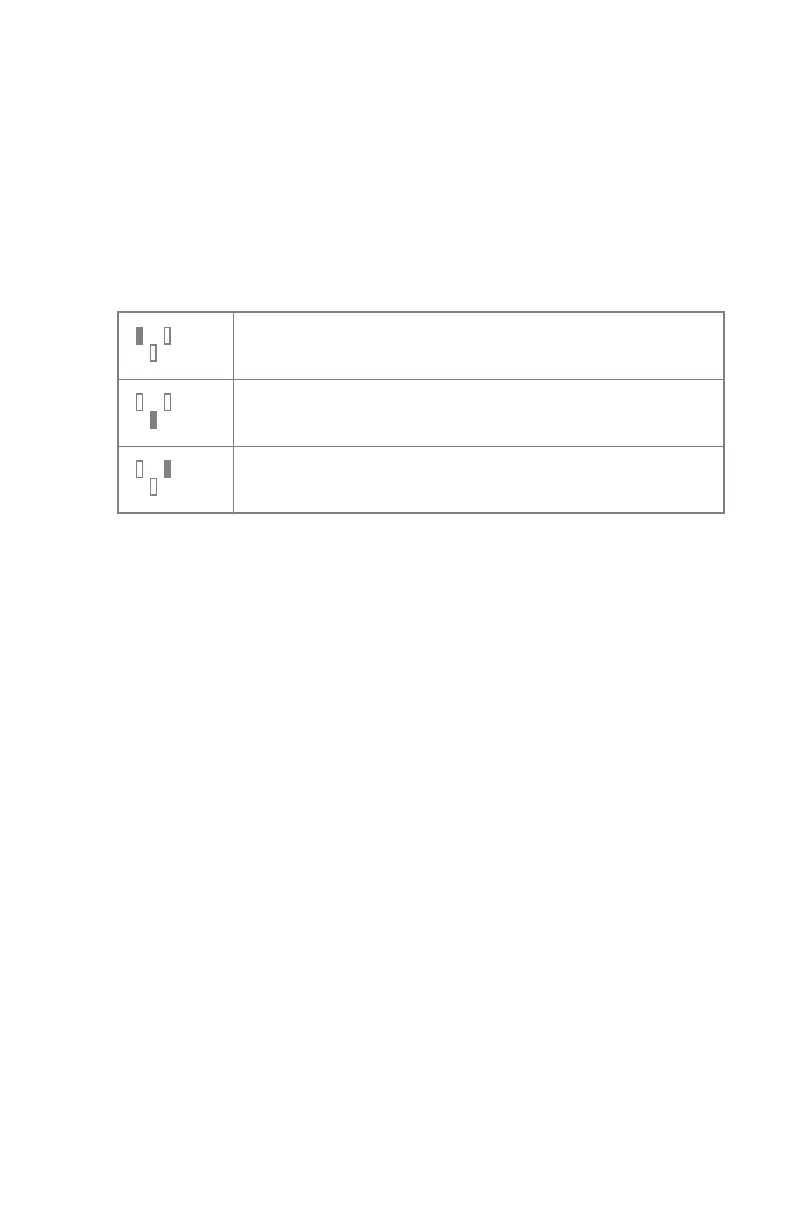
AEC field selection
Each button indicates its related physical location of the selected field in the
AEC exposure detector, and you may select or deselect it by touching it.
Any combination of fields can be selected and the color of the buttons changes
(highlighted) when active. The exposure is ended if any of the selected fields
measures the AEC cut-off dose.
Table 30: Automatic filter
Left field
Middle field
Right field
DR 800 | Software Console | 213
0392C EN 20210309 1049



 To Next Page