System messages
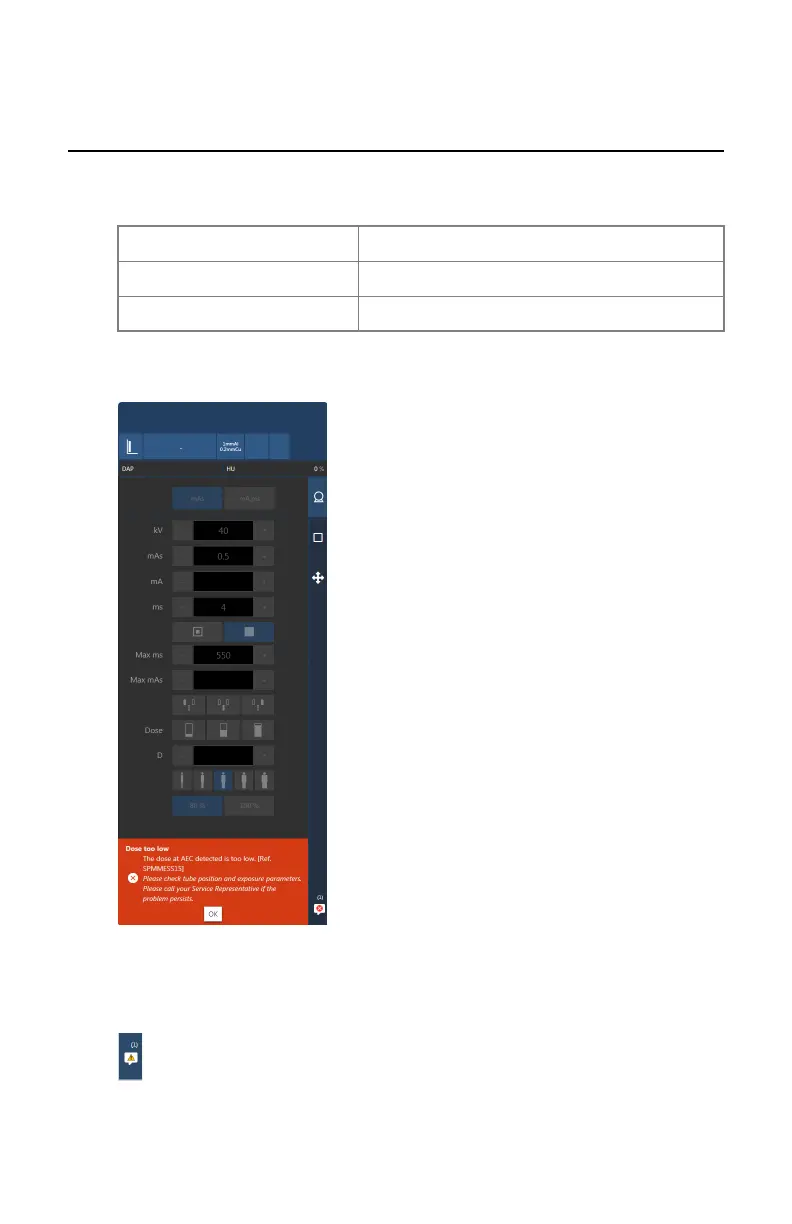
System messages are displayed at the bottom of the software console.
The color of the message indicates the importance:
Blue Information
Yellow Warning
Orange Error
Messages that require feedback from the user contain a button that can be
pressed.
Figure 168: Error message requiring user feedback
More than one message can be active. The number of active messages and the
type of messages is indicated on the navigation button.
Figure 169: Icon indicating that messages are waiting
DR 800 | Software Console | 239
0392C EN 20210309 1049



 To Next Page