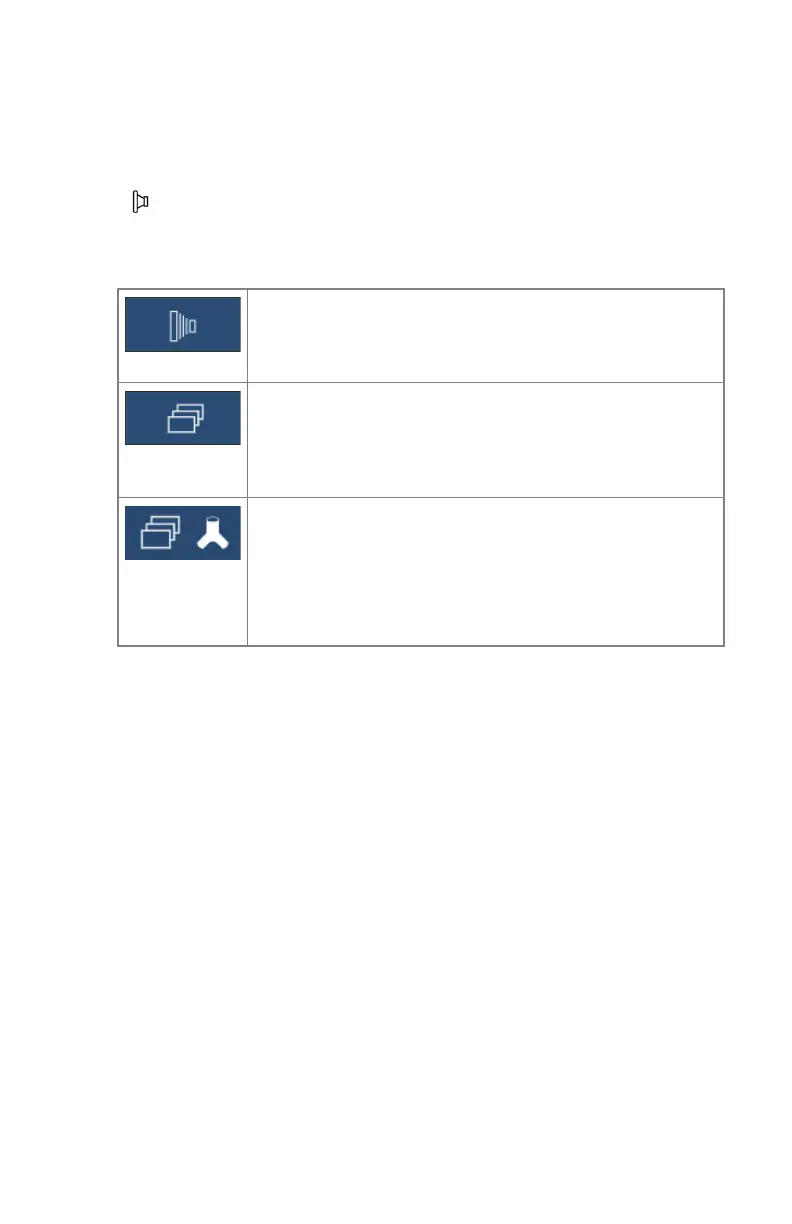
Radiography imaging modes
The selection of the imaging mode determines the function of the exposure
button.
Table 26: Radiography imaging modes
Static image mode
Pressing the exposure button will trigger a single X-ray ex-
posure.
Rapid sequence mode
Pressing the exposure button or radiography pedal will trig-
ger a rapid sequence of X-ray exposures, lasting until the
button is released.
DSA mode
Pressing the exposure button or radiography pedal will trig-
ger a DSA examination, lasting until the button is released.
DSA mode uses the same radiographic parameters as rapid
sequence mode.
If a mode is not available, the icon is grayed out.
Related Links
Exposure Controls on page 28
Fluoroscopy imaging modes on page 220
206 | DR 800 | Software Console
0392C EN 20210309 1049



 To Next Page