Modality Position
The modality position is automatically selected, based on the selected
exposure.
To modify the position on the modality where the exposure will be made,
navigate to the X-ray modality controls screen and select the modality
position.
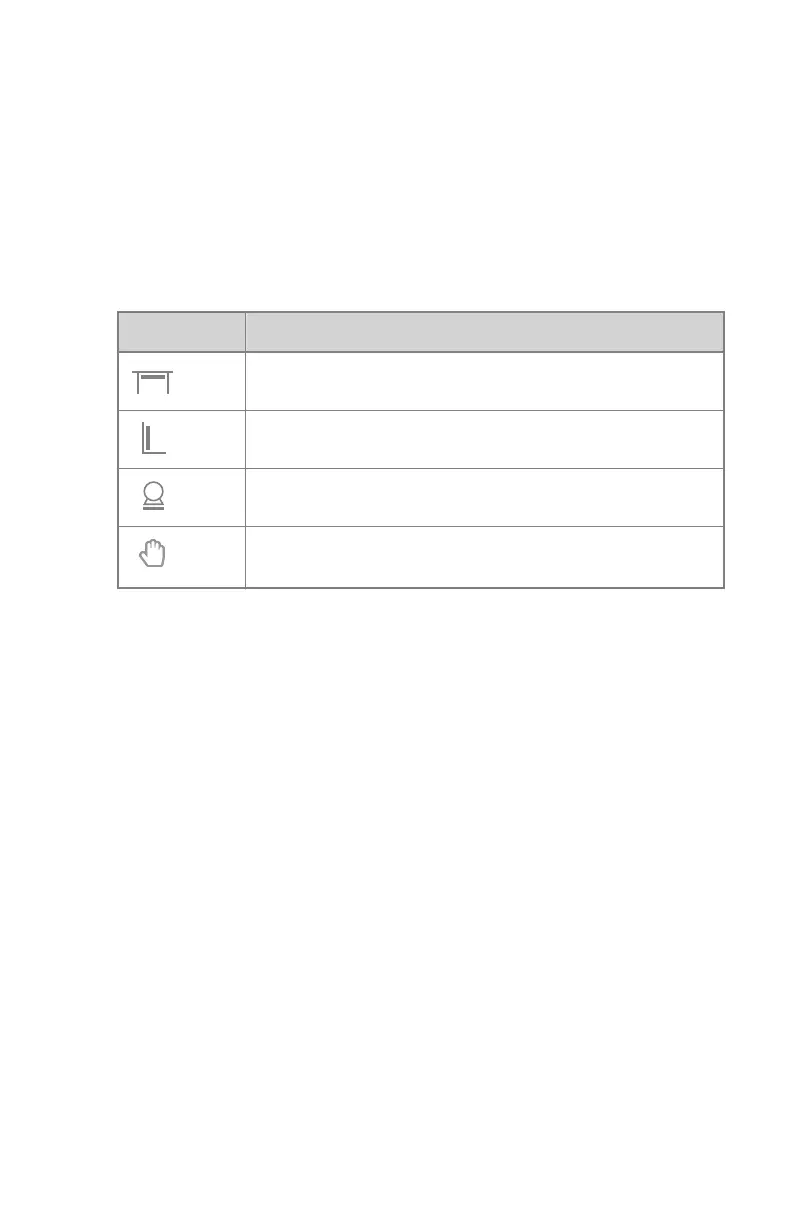
Table 20: Modality Position
Icon
Description
The image is planned for the radiographic table.
The image is planned for the radiographic wall stand.
The image is planned as a free exposure.
A manual X-ray exposure can be made. No image will be ac-
quired on the NX workstation.
The available workstations depend on the modality type and configuration.
On a configuration with a ceiling suspension, a number '1' or '2' is displayed
on the icon to identify the X-ray tube that will be used for the exposure.
192 | DR 800 | Software Console
0392C EN 20210309 1049



 To Next Page