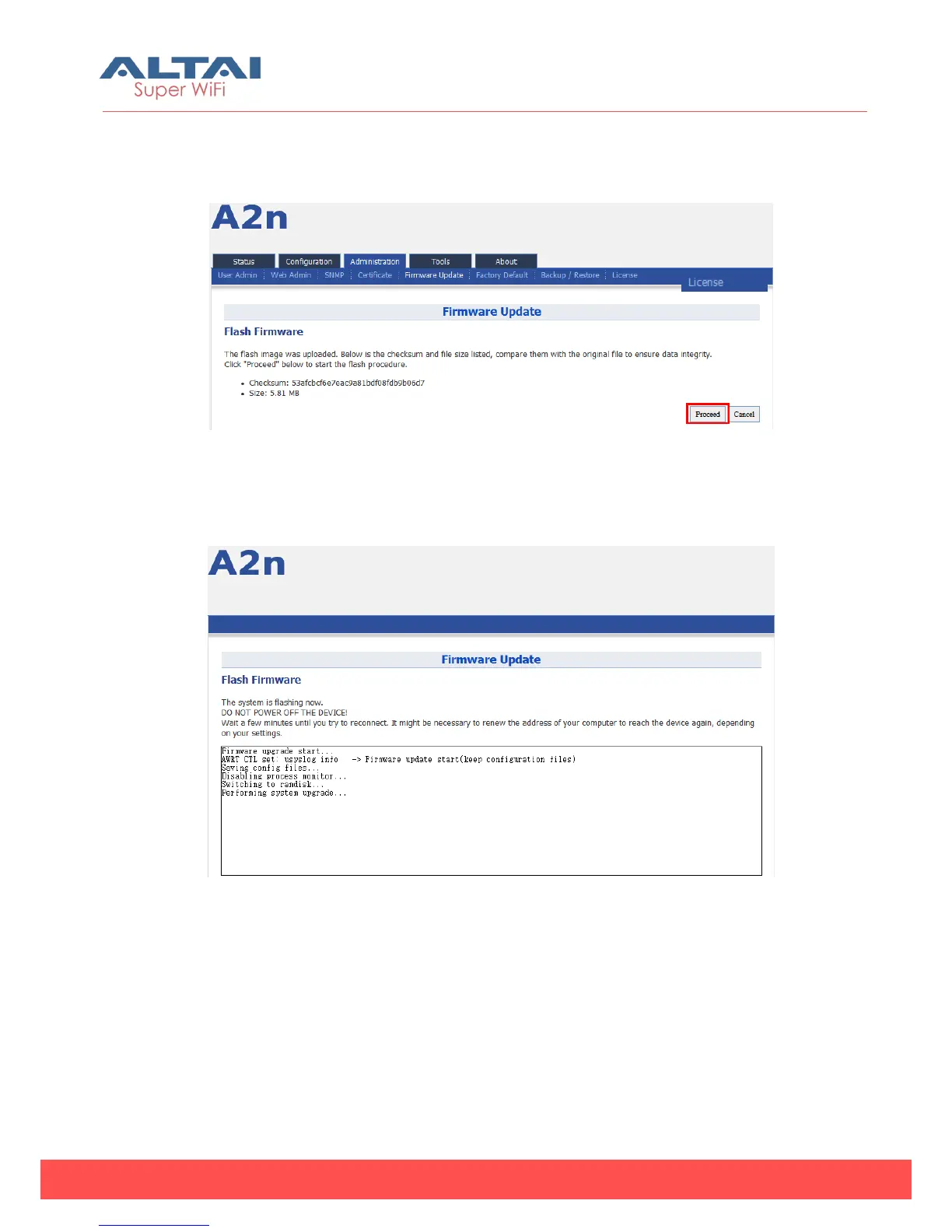
4. A2n will run the checksum on the firmware, once it validate the firmware, press
proceed to continue.
Figure 6-9 Press “Proceed”
5. You will find following notification:
Figure 6-10 Progress of firmware update
6. A2n will reboot and load the Main page after firmware update.
7. Login with username and password,check the firmware version on the top right
corner or go to the “About” page.



 To Next Page