Operating
108
Operating
0000010038-003- GB
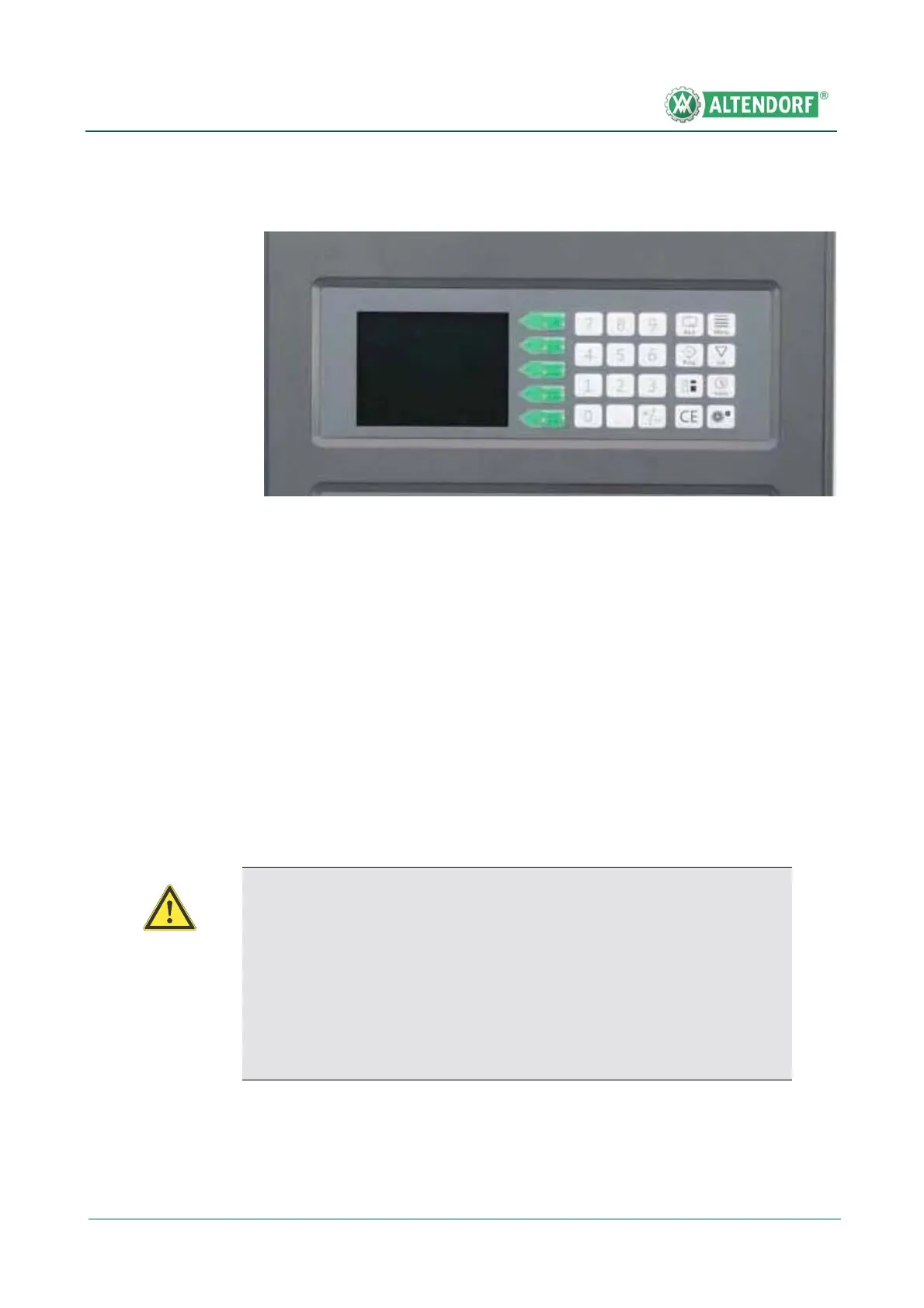
6.4 Screen controls ProDrive
Actuate the green buttons to select the required setting; the symbol in question
will then be shown in inverse format. Enter the dimensions via the numeric key-
pad and press the yellow START button to carry out positioning. The operation
can be interrupted at any time by pressing the STOP button. Positioning is
completed when the dimension display switches over from inverse to normal
format with the numbers in green.
Note:
It is also possible to change the dimension of several axes and then adjust
them together by pressing the START button.
Infinitely variable fine adjustment is possible by pressing the Plus or Minus
button. Adjustment takes place in creep speed mode. Pressing the button for
more than 3 seconds switches adjustment to rapid speed mode. Briefly tou-
ching the Plus or Minus button causes adjustment of 0.1 mm (0.1°).
Fig. 6-31 Screen controls ProDrive
F1
F2
F3
F4
F5
Attention!
Safety area
• For cutting widths that are smaller than 180 mm the rip fence is in the
safety area. The axes can possibly only be changed in inching mode,
i.e. adjustment only takes place while the START button is pressed.
Inching mode is indicated by a flashing START symbol at the top left
of the display as well as by an illuminated Start button.


 To Next Page