Operating
110
Operating
0000010038-003- GB
6.4.2 Height adjustment
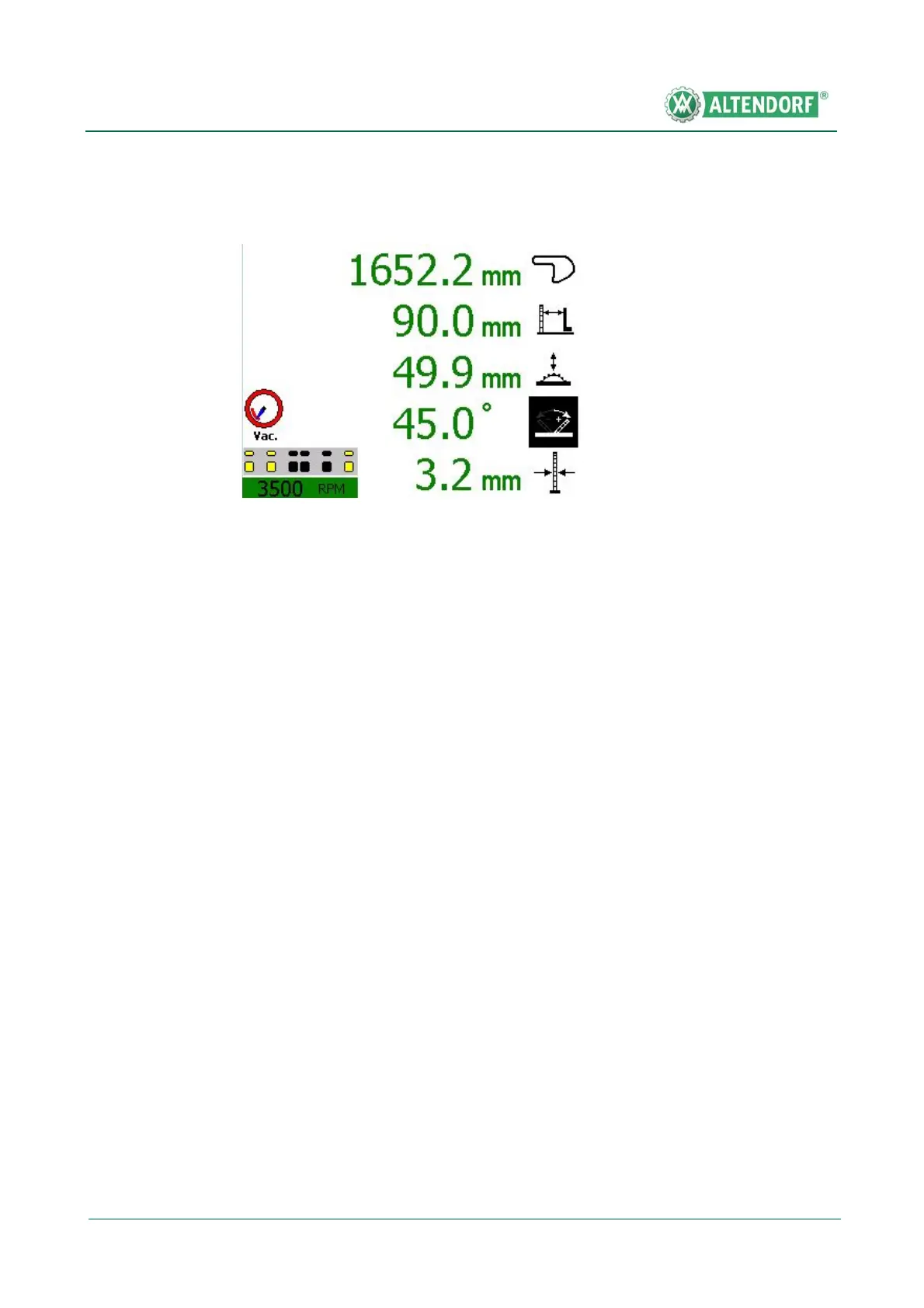
• Press the axis selection button for the cutting height; the symbol in the cut-
ting height display is shown in inverse format.
• Enter the required dimension via the numeric keypad; the new dimension is
shown in inverse format.
• Press the START button to carry out positioning.
Calibration
• Press the axis selection button for the cutting height.
• Press the Cal button for longer than 1 second; CAL will appear on the dis-
play.
• Enter the measured cutting height via the numeric keypad.
• Press the Cal button; the new cutting height will be shown on the display.
Fig. 6-33 Height adjustment


 To Next Page