Operating
130
Operating
0000010038-003- GB
6.4.11 Programs function
Running programs
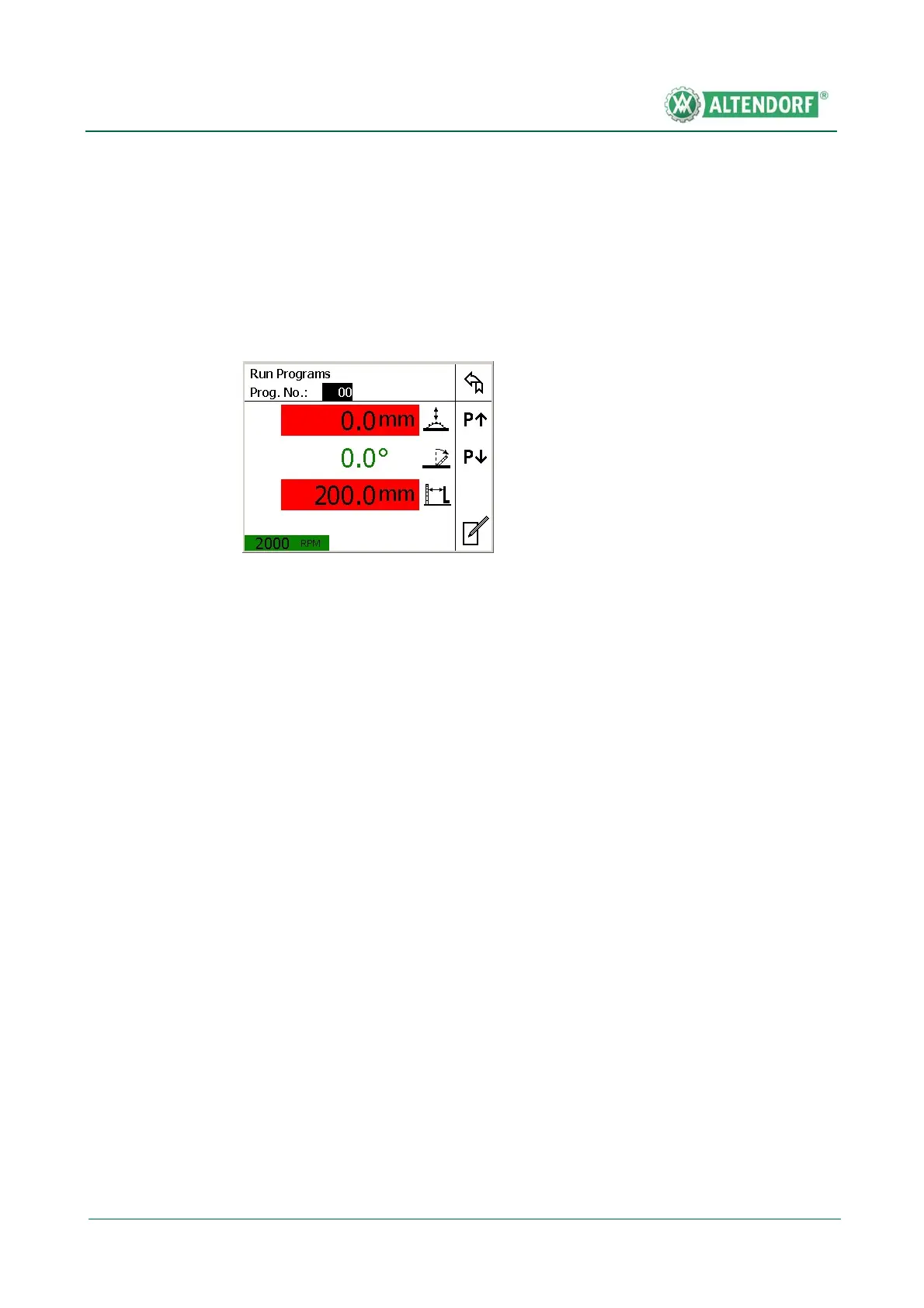
Press the "Prog" button on the function keypad. The following mask appears:
A program can be called up by entering the two-digit program number.
Button functions:
• Button 1 <> Back to previous page
• Button 2 <> Scroll up through programs
• Button 3 <> Scroll down through programs
• Button 4 <>
• Button 5 <> Change programs
Press the START button to position the selected program.
Fig. 6-53 Running programs


 To Next Page