Operating
113
0000010038-003- GB
Operating
Calibration
• Press the axis selection button for tilt adjustment.
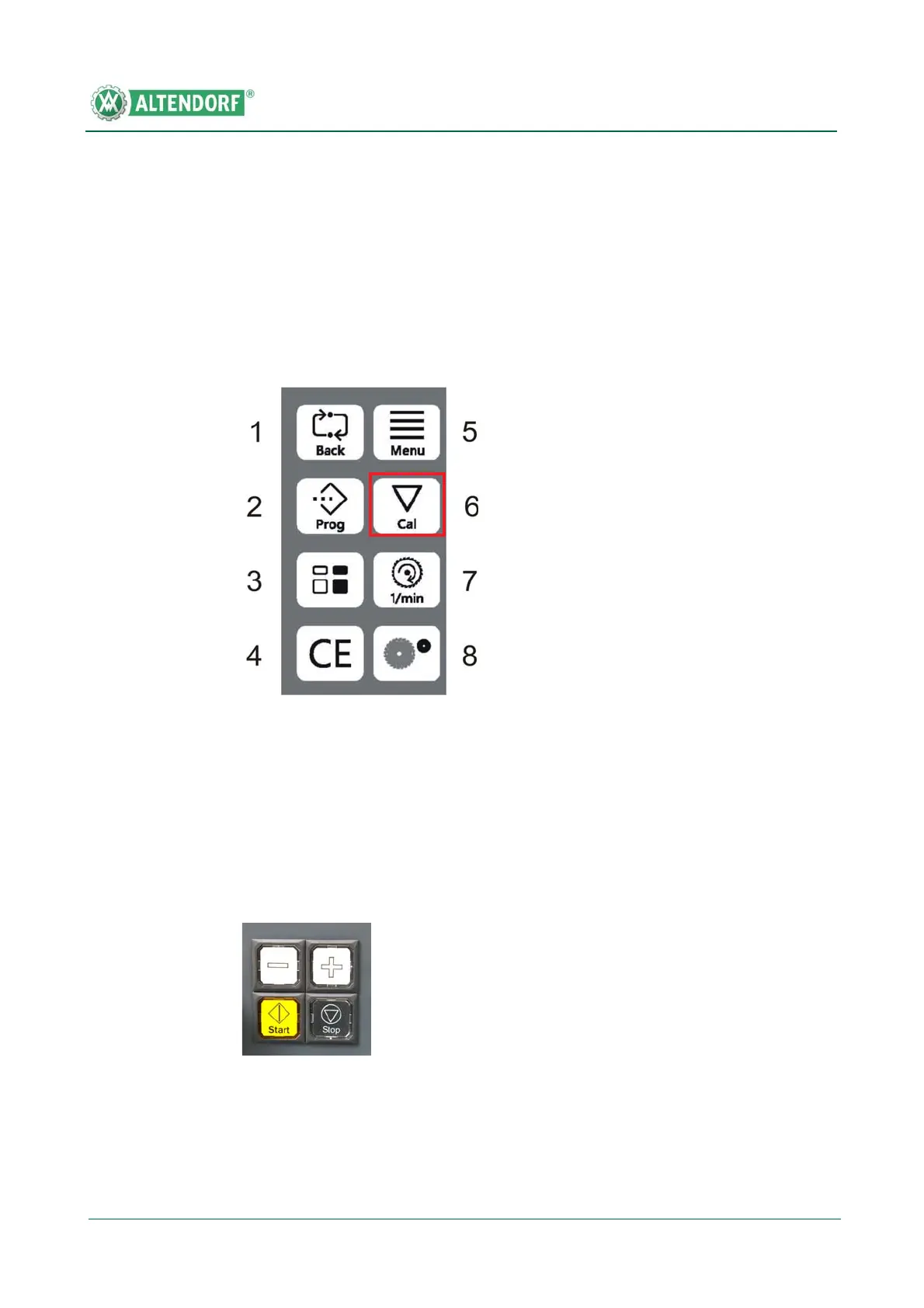
• Press the Cal button for longer than 1 second; CAL will appear on the dis-
play.
• Enter the measured tilt angle via the numeric keypad.
• Press the Cal button; the new tilt angle is shown on the display.
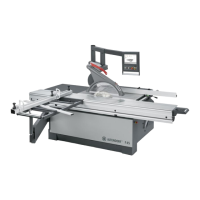
Infinitely variable fine adjustment is possible by pressing the Plus or Minus
button. Adjustment takes place in creep speed mode. Pressing the button for
more than 3 seconds switches adjustment to rapid speed mode. Briefly tou-
ching the Plus or Minus button causes adjustment of 0.1 °.
Fig. 6-35 Function button block


 To Next Page