Operating
159
0000010038-003- GB
Operating
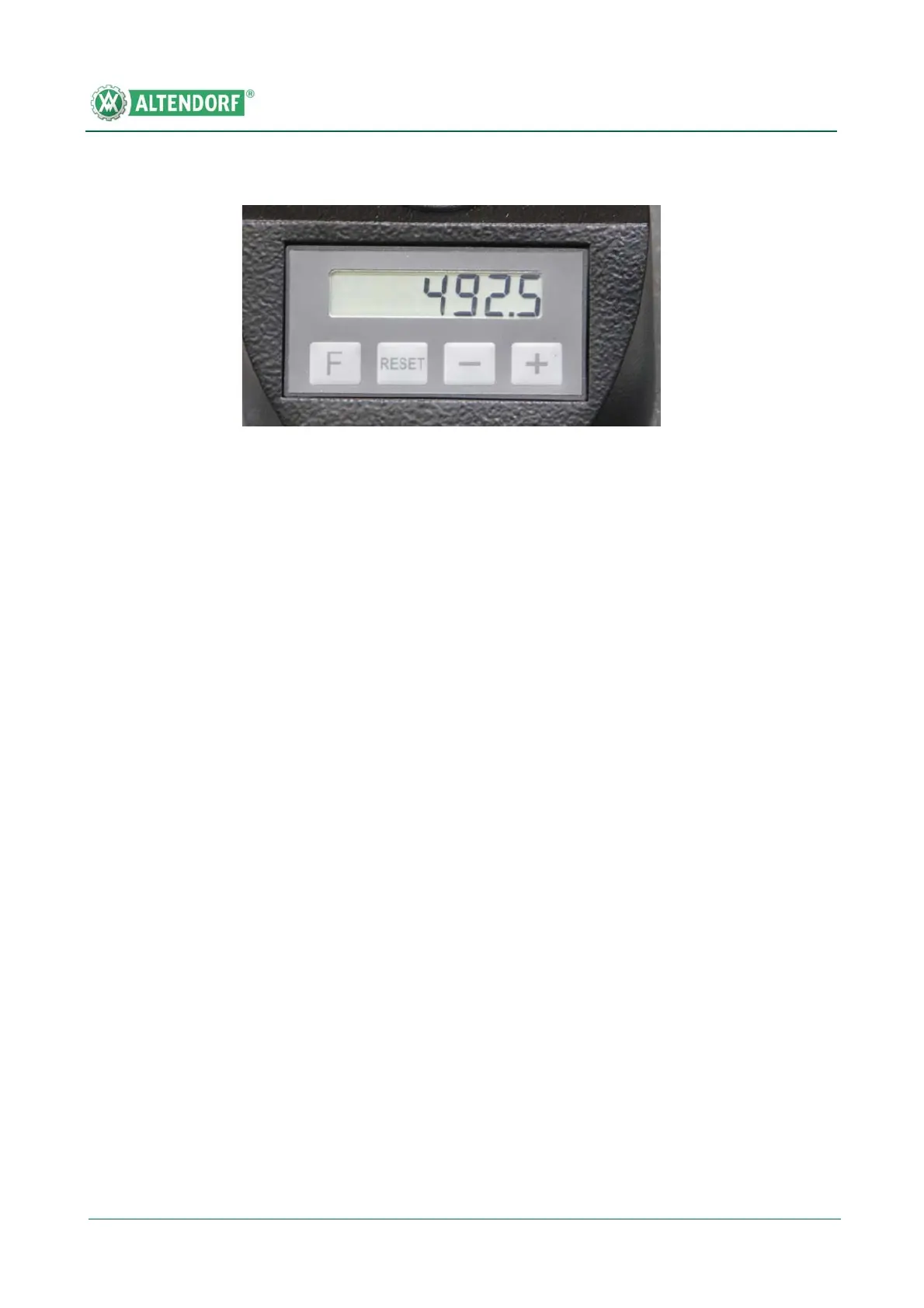
Basic setting of the display unit
The basic setting of the display unit is needed in order to adapt the measuring
system to the machine situation. Check and, if necessary, re-enter the basic
setting for each tool change. The basic setting can only be carried out together
with the tools used so it cannot be done at the factory.
• Push the rip fence to the left against the mechanical stop
• Hold the F button down and press the Reset button
• Set the rip fence to a cutting width of 130 mm (straight edge in the position
of the low guide surface)
• Cut a test piece and measure the workpiece width with a sliding calliper
• Hold the F button down; the right-hand digit of the display starts flashing
after approx. 3 seconds
• Pressing the + button increases the flashing digit by 1 each time. When the
maximum number value 9 is passed, the numbers start again with 0.
• Pressing the Minus button decreases the flashing digit by 1 in each case.
• Release the F key.
• The dimension that has been set is saved as the basic setting.
Calibrating the display unit
Calibration of the display unit is required when the fence has been moved un-
der the main table.
• Push the rip fence to the left against the mechanical stop
• Hold the F button down and briefly press the Reset button; the display
shows the basic setting again.
Switching the display unit from mm to inches or inches to mm
Fig. 6-89 Operating the Digit X


 To Next Page
 Loading...