137
MU Series (Windows)
User’s Manual
Opons Menu Funcons
Measurement Menu
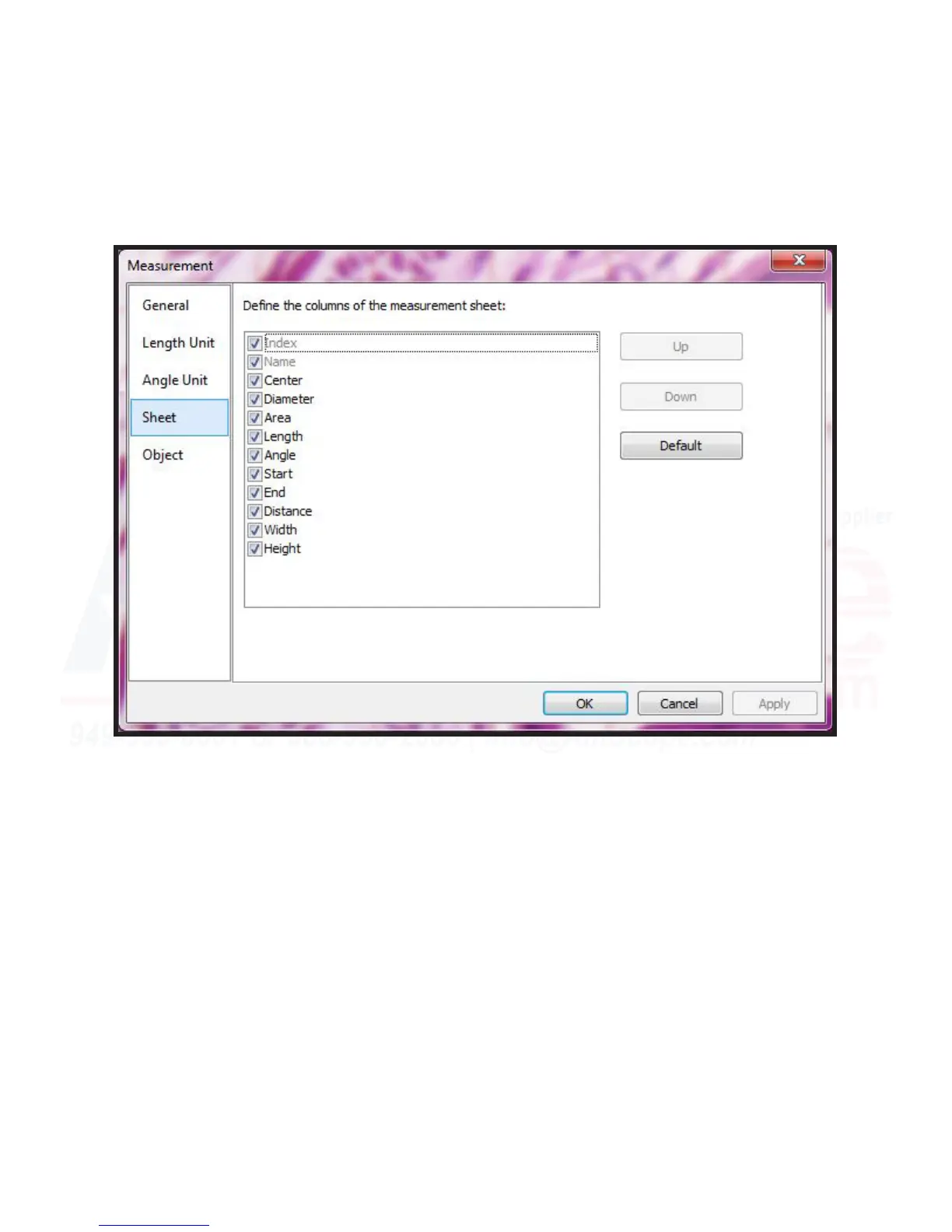
Sheet - This menu allows the user to select which parameters they wish to have displayed on the measure-
ment sheet.
The “Up” and “Down” buons allow the user to sort the order they appear on the sheet, while “Default” sets
them back to factory order.
When cked, each item will display on the sheet, while when uncked, they will not appear.












 To Next Page