2.1 Part Names
2-3
2
Preparation
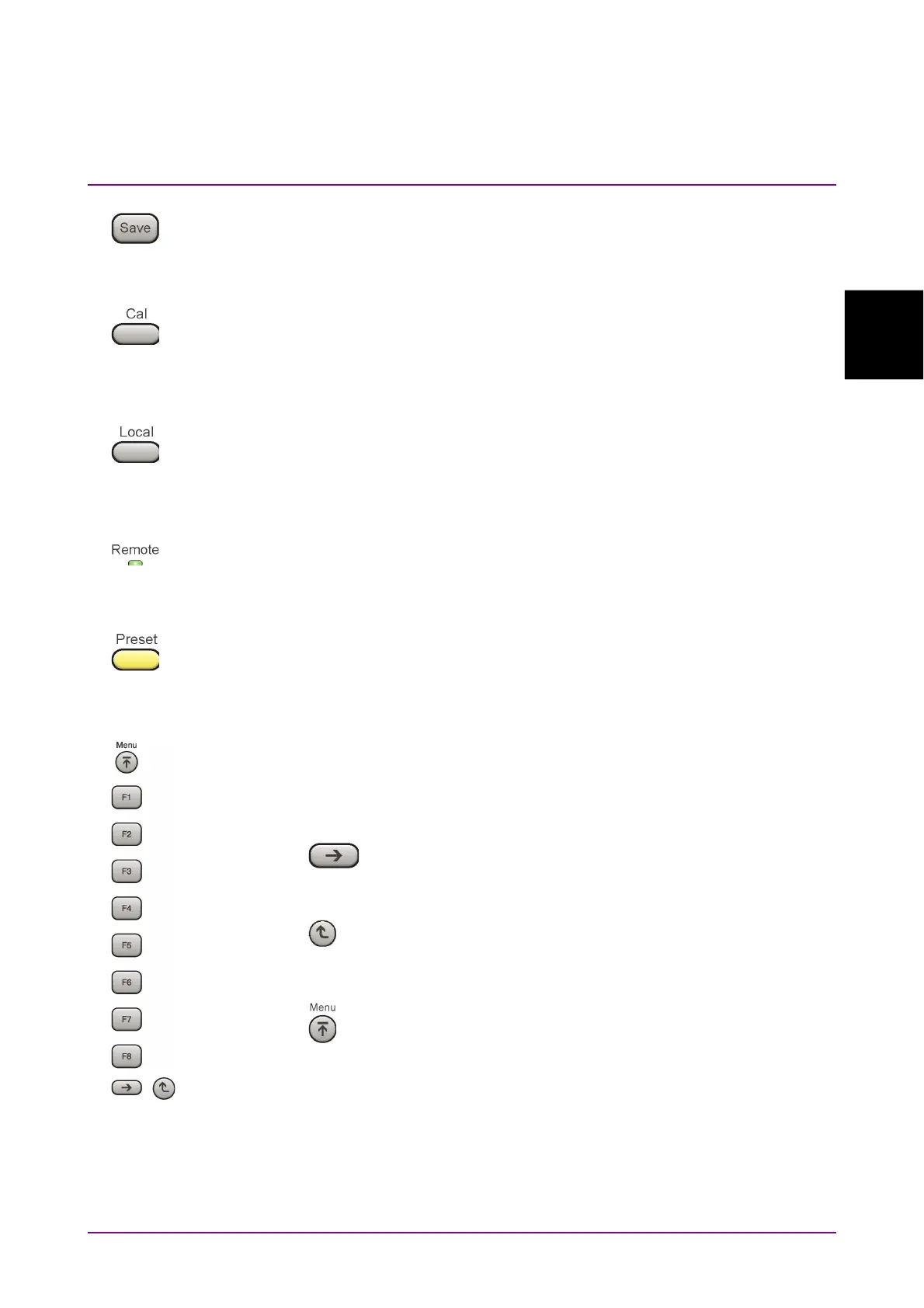
5 Save key
Press to save parameter file.
6 Cal key
Press to display the Calibration menu.
7 Local key
Press to return to local operation from remote control via GPIB, Ethernet,
or USB (B), and enable panel settings.
8 Remote lamp
Lights when in remote-control state.
9 Preset key
Press to display the Preset menu. Resets parameters to initial settings.
10 Function keys
Selects or configures function menu displayed on the right of the screen.
The function menu is provided in multiple pages and layers.
The number on the bottom of the screen indicates the menu page number.
Next key
Press to go to the next page.
Back key
Press to go back to the previous layer within the function
menu.
Top key
Press to go back to the uppermost (top) layer.



 To Next Page