Chapter 2 Preparation
2-4
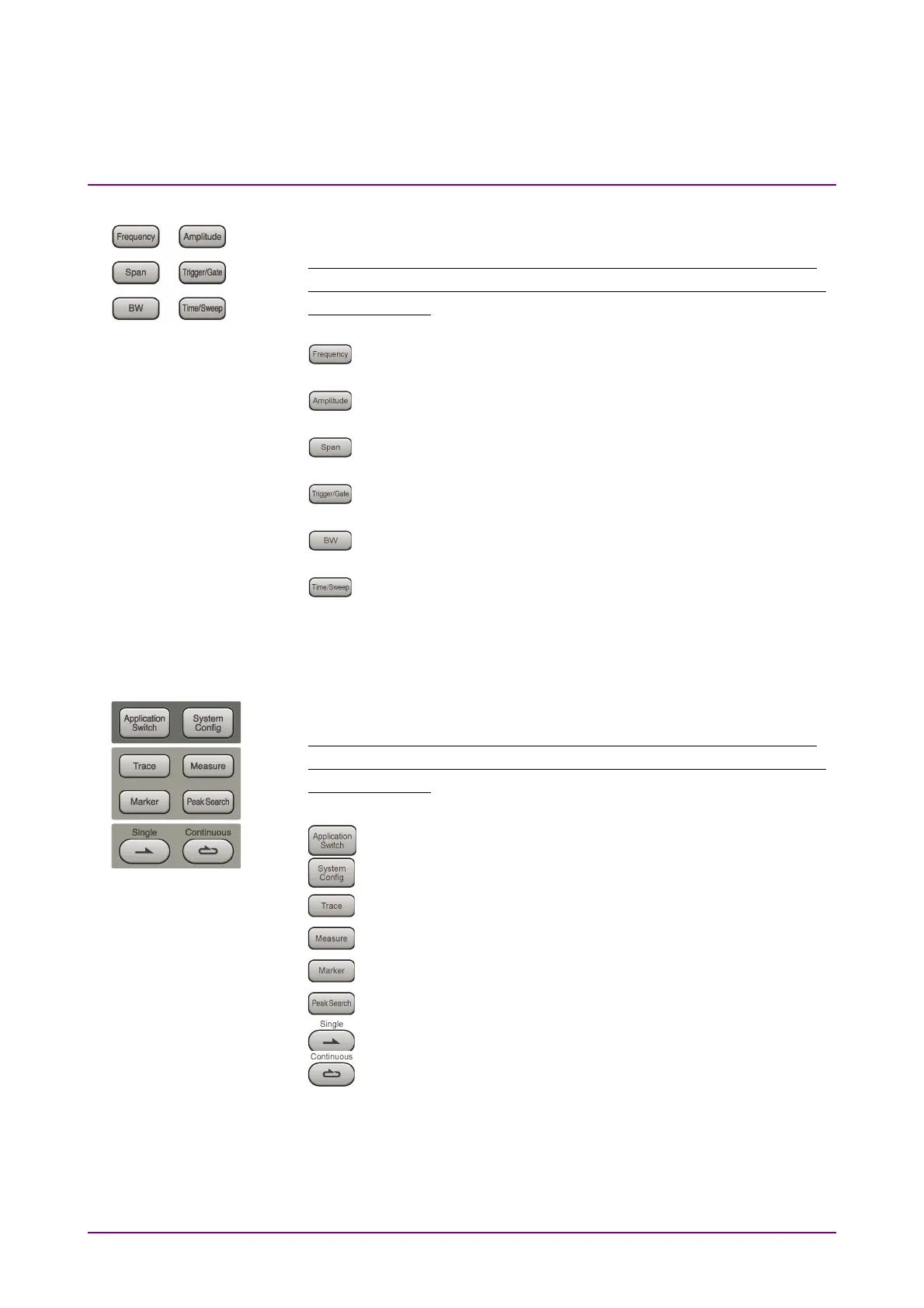
11 Main function keys 1
Press to set or execute main functions.
Executable functions vary with the current application. When nothing
happens with the press, it indicates that the application in use does not
support the key.
Press to set frequency parameters.
Press to set level parameters.
No function is assigned to this key.
Press to set trigger parameters.
No function is assigned to this key.
Press to set measurement item parameters.
12 Main function keys 2
Press to set or execute main functions.
Executable functions vary with the current application. When nothing
happens with the press, it indicates that the application in use does not
support the key.
Press to switch application.
Press to display Configuration screen.
Press to set the trace items or to switch the operation window.
Press to set measurement item parameters.
Use when switching graph marker operation.
Press to set parameters related to the peak search function.
Press to start single measurement.
Press to start continuous measurements.



 To Next Page