System Operations 6-14 Power–On Menu
MS20xxC UG PN: 10580-00305 Rev. L 6-13
6-14 Power–On Menu
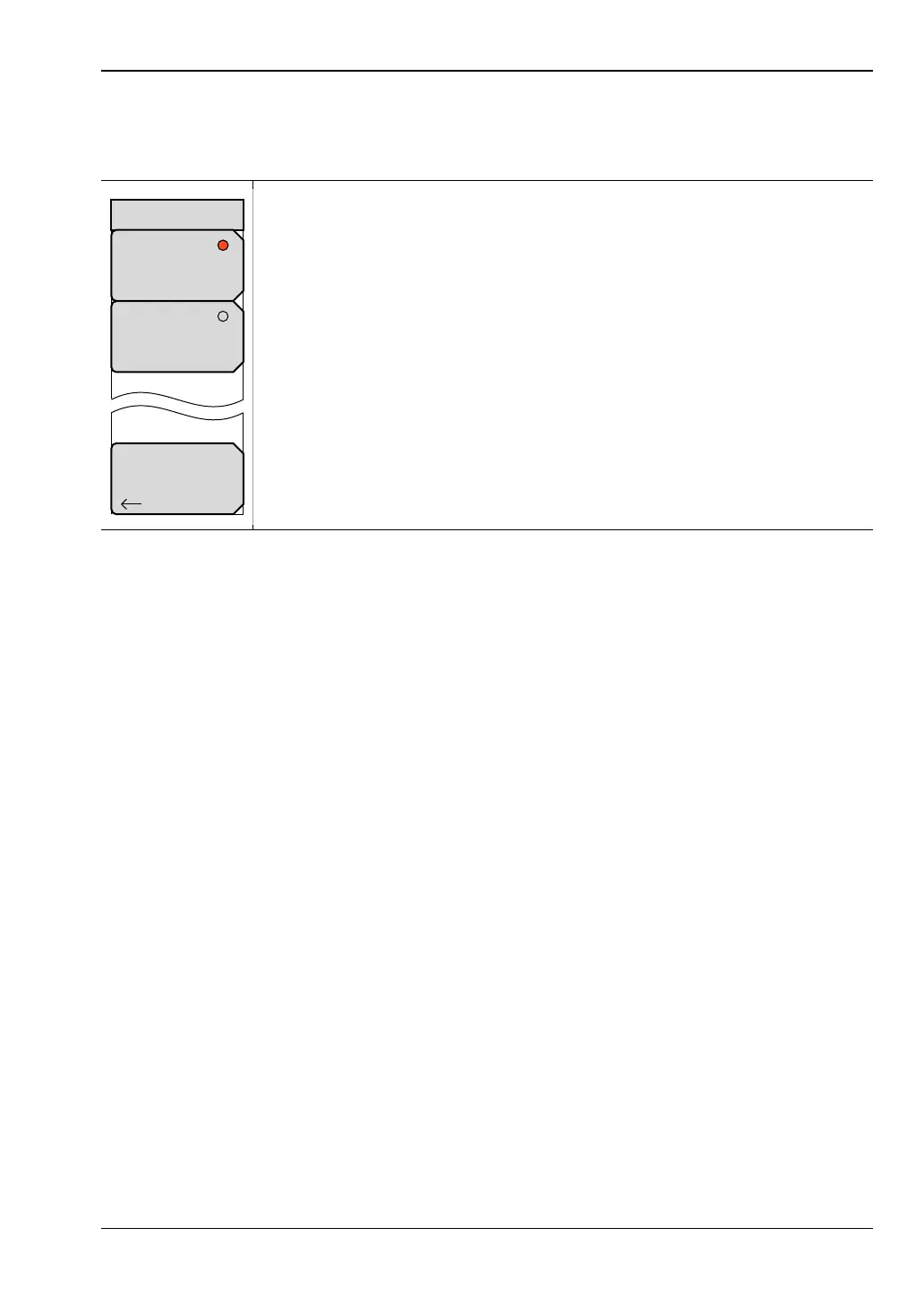
Key Sequence: Shift, System (8)>System Options > More > Power–On
Power Switch: Press this submenu key to set the instrument for normal use
of the On/Off button on the instrument front panel.
When DC Applied: Press this submenu key to set the instrument to
automatically restart when DC power is applied to the External Power
connector (item “11” in Figure 2-13 on page 2-20). Refer to “External Power”
on page 2-25.
Back: Press this key to return to the “System Options 2/2 Menu”
on page 6-12.
Figure 6-16. Power–On Menu
Back
Power–On
Power Switch
When DC
Applied













 To Next Page