Operating Guide 22
Antelope Camera Systems
3.6 IP Setup
The IP properties (IP, Subnetmask and Gateway) of the CCU can be changed.
To enter the IP setup menu press the IP button in bottom right corner of the CCU touch screen
(44) .
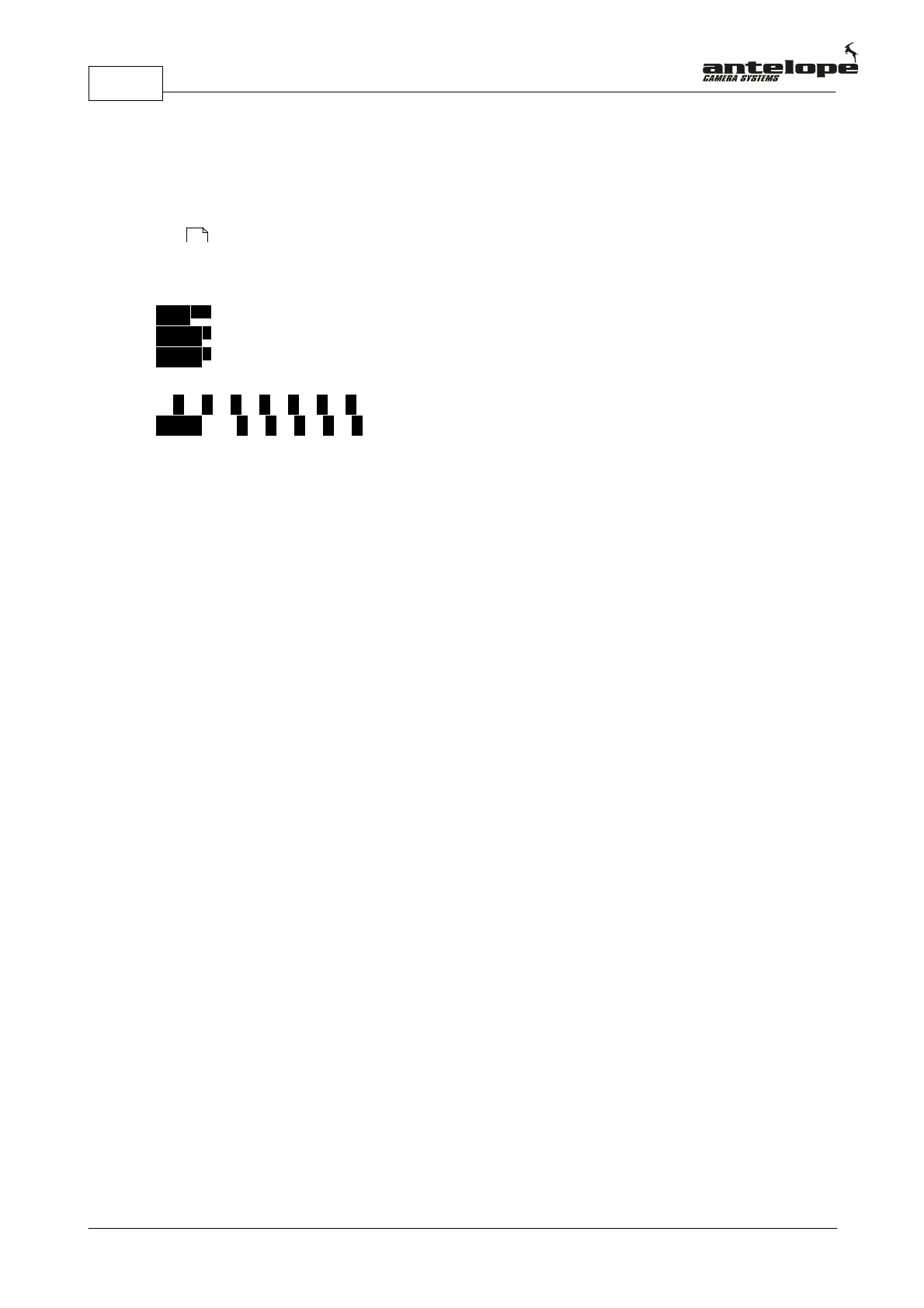
IP SETUP
ADD 192.160.001.050
MASK 255.255.255.000
GWAY 192.160.001.001
C V 1 2 3 4 5
BACK 6 7 8 9 0
Press ADD next to the IP address to change the IP of the CCU. To enter the new IP address use
the on screen keyboard on the bottom on the screen. Use the back button to navigate back and the
C button to clear your entry. The mask and gateway settings can be changed accordingly.
19



 To Next Page