Operating Guide 64
Antelope Camera Systems
5 Remote Control Panel (RCP)
5.1 Important Note
IMPORTANT NOTE !!!!!
SET NUMBER OF RECORDING BANKS RCP
Its important to set the number of recording banks after switching or rebooting the camera:
- press the Menue Dial (D)
- select the menu item „BANK NUMBER“ by turning the Menue Dial (D)
- press the Select dial (K) to activate the selection
- select the number of the banks with turning the Select dial (K)
- confirm with pressing the Select dial (K)
- go back to the operating menu by pressing the Menue Dial (D) twice
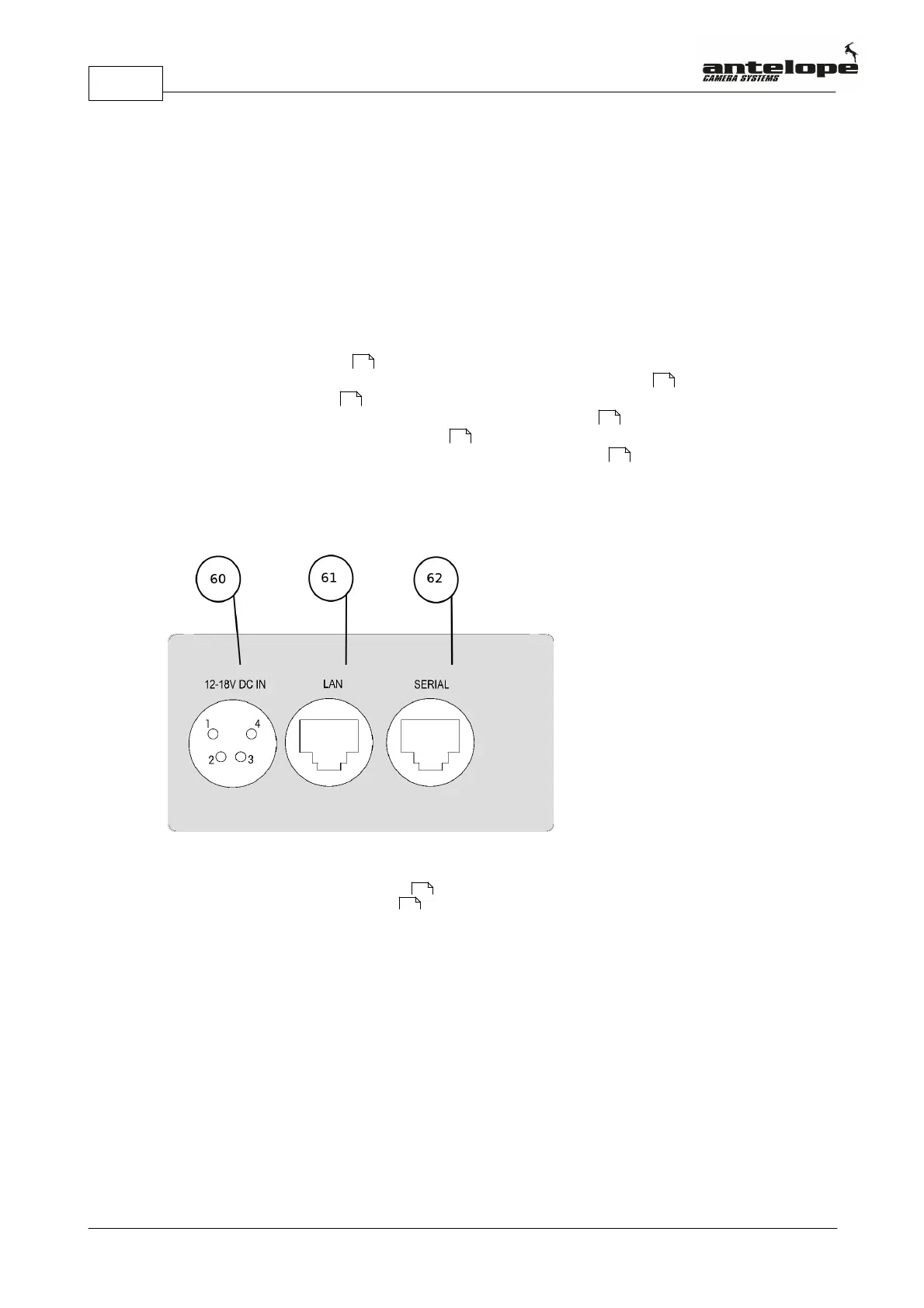
5.2 Back - RCP Interfaces
60. Power In Connector (12V-18V)
61. Data LAN Remote Control Port (to OCP)
62. RS-422 Remote Control Port (to CCU)
63. USB Firmware Update Port (upper USB Port)
66
66
66
66
66
66
15
15



 To Next Page