63
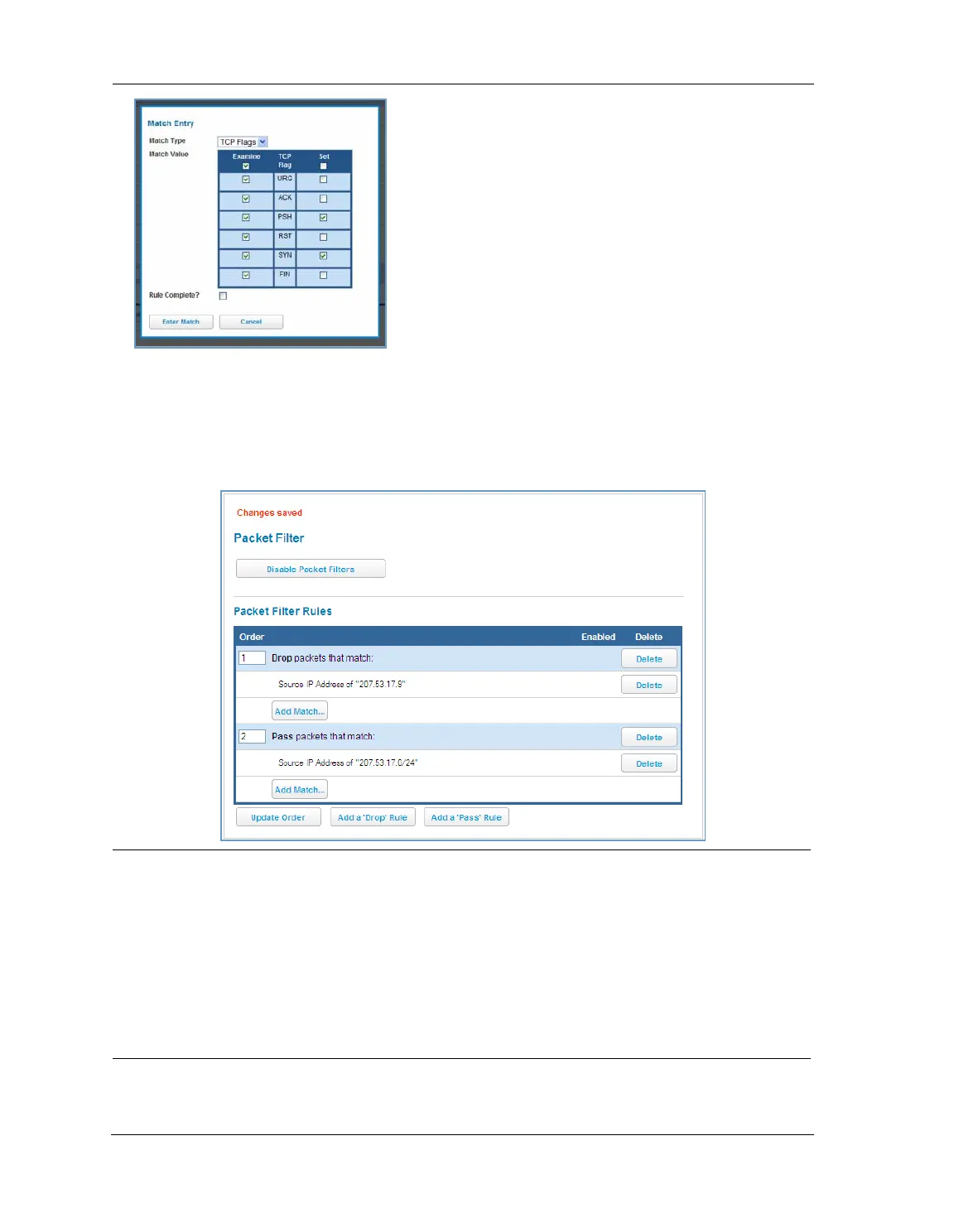
When you are finished configuring the filter, click the Enter Match button.
The filter is automatically saved.
Packet Filter Rules List
Your entries to the packet filter rules list are displayed as a table.
NOTE:
Default Forwarding Filter
If you create one or more filters that have a matching action of forward, then action on a packet matching
none of the filters is to block any traffic.
Therefore, if the behavior you want is to force the routing of a certain type of packet and pass all others
through the normal routing mechanism, you must configure one filter to match the first type of packet and
apply Force Routing. A subsequent filter is required to match and forward all other packets.
Management IP traffic
If the Force Routing filter is applied to source IP addresses, it may inadvertently block communication with
the router itself. You can avoid this by preceding the Force Routing filter with a filter that matches the desti-
nation IP address of the NVG599 device itself.















 To Next Page