Administrator’s Handbook
64
Example:
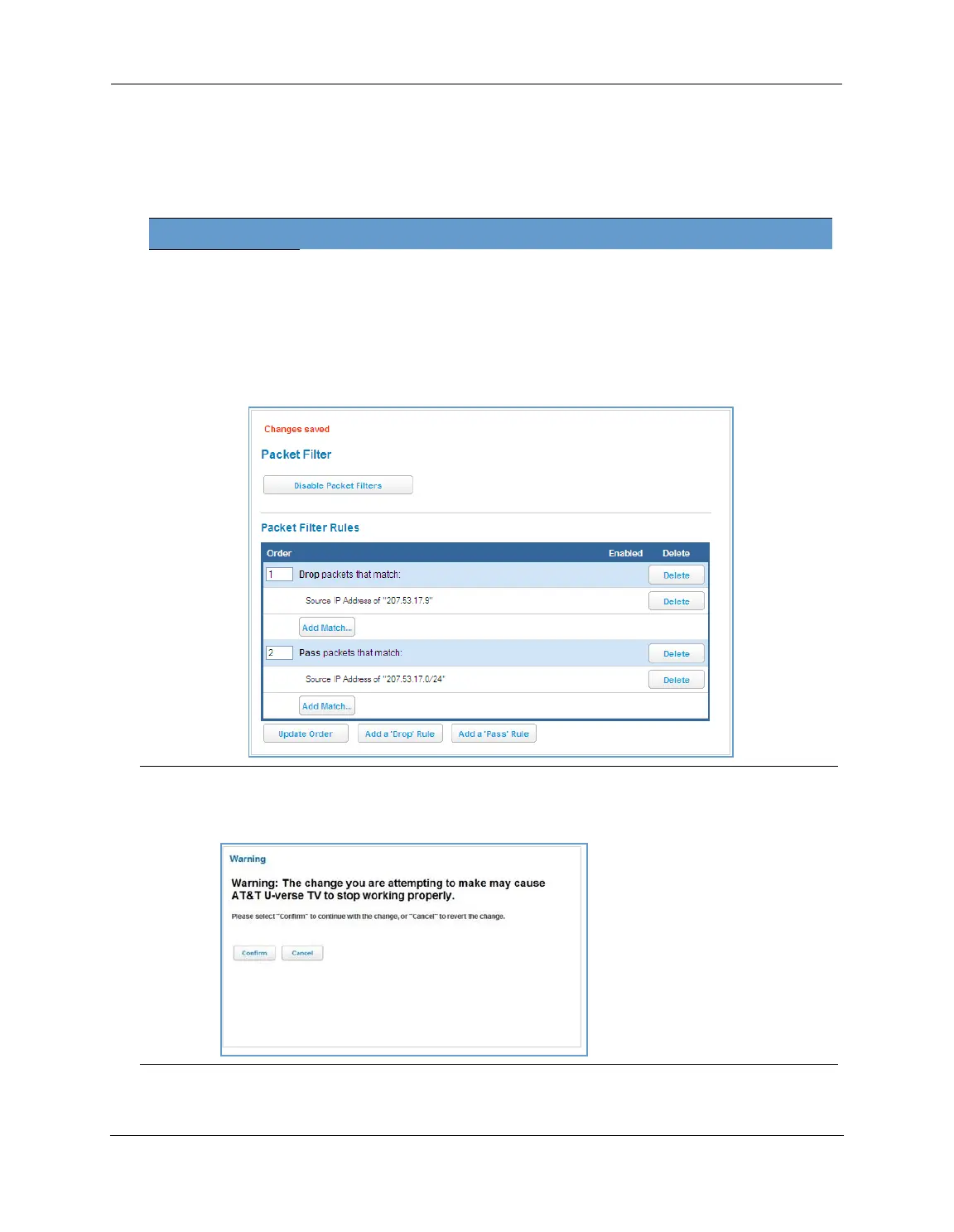
Assume a configured Custom Service/Hosted Application for an internal web server whose global port range is
8080-8080. Also assume that we want to allow only one external subnet access to this internal server:
207.53.17.0/24. And finally, assume that we want to disallow one IP address on that subnet, 207.53.17.9, from
access to that same server (perhaps they were abusing the system in some way). We would need the following
rules:
Input Rules
Rule
Order
Action Source IP Destination IP Protocol
Source
Port
Destination
Port
1 Drop 207.53.17.9 - TCP 8080
2 Pass 207.53.17.0/24 - TCP 8080
3 Drop - - TCP 8080
Caution:
If the packet filter or port forwarding rule involves TCP port 80 or 3389; or UDP port 47806, 43962, 69, 123,
or 53; or if you attempt to add or change a match such that this occurs and you are running in VDSL/Ethernet
mode, the following warning will appear.















 To Next Page