Administrator’s Handbook
66
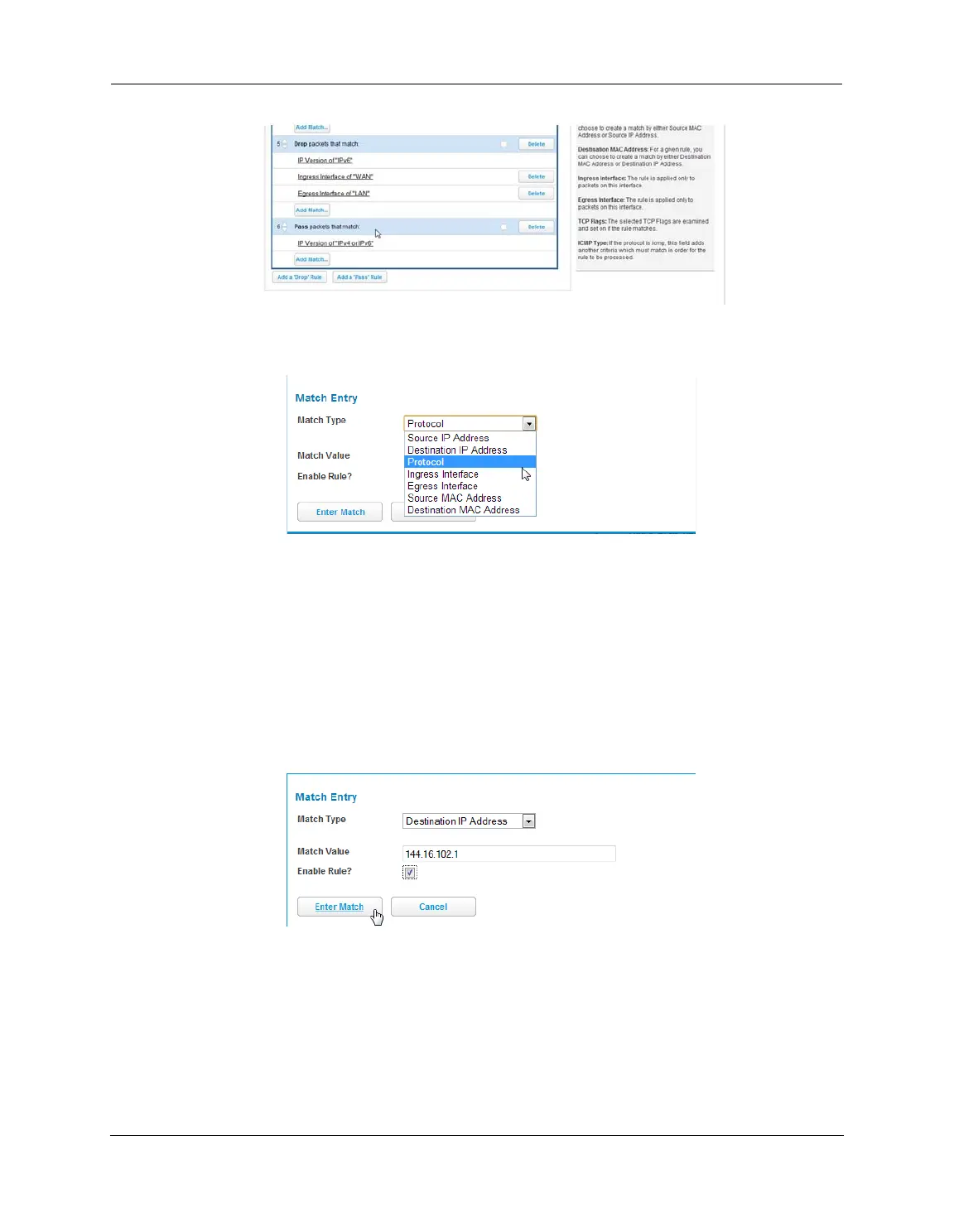
6. Select the Add Match button below the new rule created above. This opens the Match Entry view.
7. For this example, the filter will be made based on a TCP port. Select Protocol from the Match Type drop-
down menu. This automatically fills in TCP in the Match Value field. At this point do not enable the rule until
all criteria have been entered.
8. Click Enter Match. This will return the GUI to the Packet Rules list.
9. Select Add Match below the rule created earlier.
10.Select Destination Port from the Match Type drop-down menu and enter 21 (this value corresponds to FTP)
in the Match Value entry box.
11.Click Enter Match.
12.Select Add Match below the same rule created earlier.
13.Select Destination IP Address from the Match Type drop-down menu and enter the IP address entered in
Step 3 of this procedure.
14.Select the Enable Rule check box and click Enter Match. The GUI returns to the Packet Rules list and the rule
is active and grayed out. It cannot be edited without first disabling the rule.















 To Next Page