Artec Leo
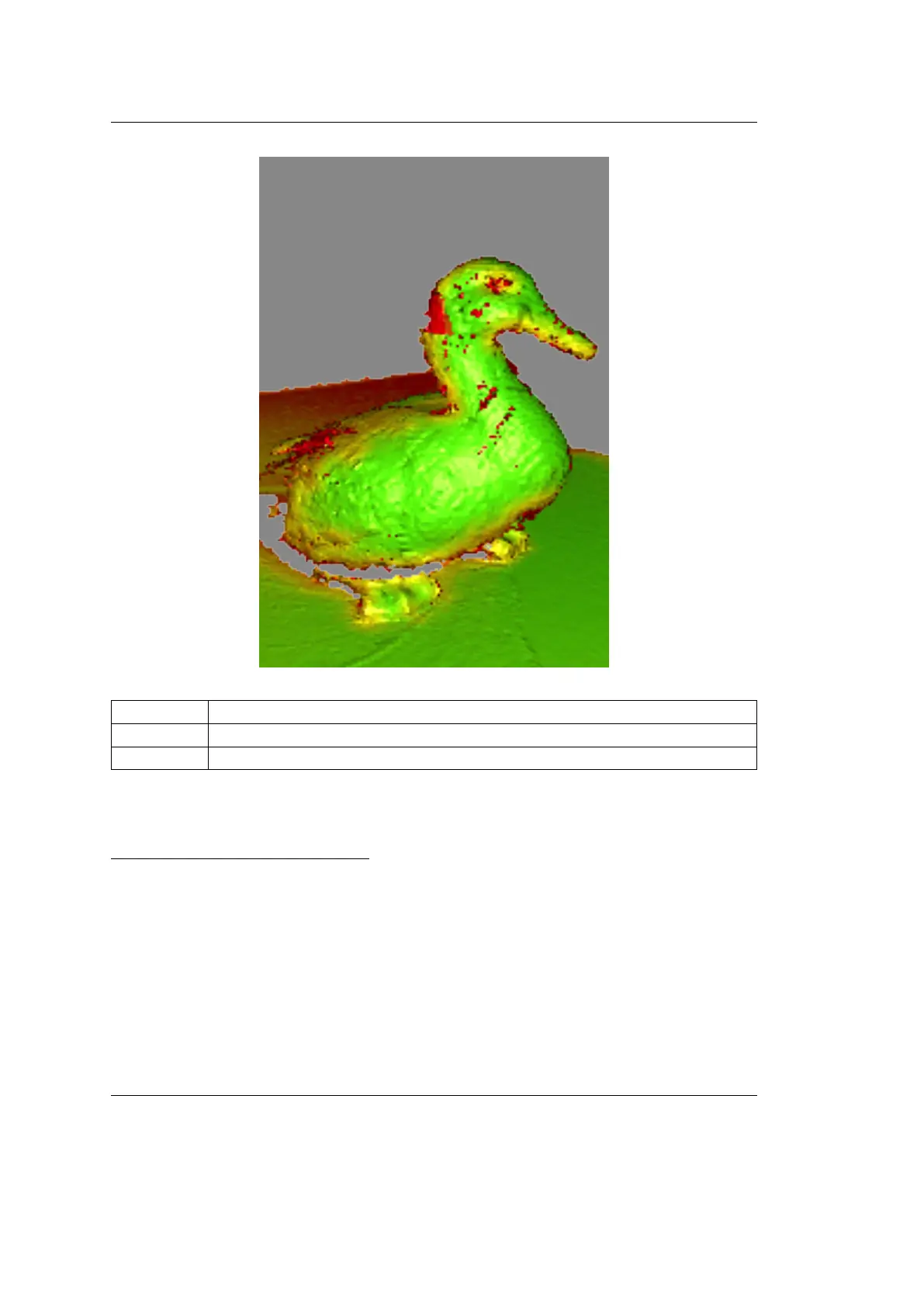
Red Insuciently scanned area
1
, distant object, fast movements
Orange Satisfactory scanned area
Green Well-scanned area
See also:
Texture
1
Holes and thin edges may remain red and orange even if thoroughly scanned. This happens
because these regions are likely to have smaller resolution than the remaining parts of the object.
2.3. Congure Scanning 25



 To Next Page