Artec Leo
Note: Subsequent recalibrations can be performed even without internet, as Leo
caches the board le. In the upcoming releases, it will be possible to download the
board le from your MyArtec account as well.
2. Go to Settings → Scanner → Advanced, and select the Recalibration option.
The following screen displays the recommended environmental conditions for
recalibration.
3. Make sure the ambient temperature is around 20-23 degrees Celsius, and
there is no direct sunlight in the room. Click on Start.
4. Scan the QR-code on the Calibration board, and wait.
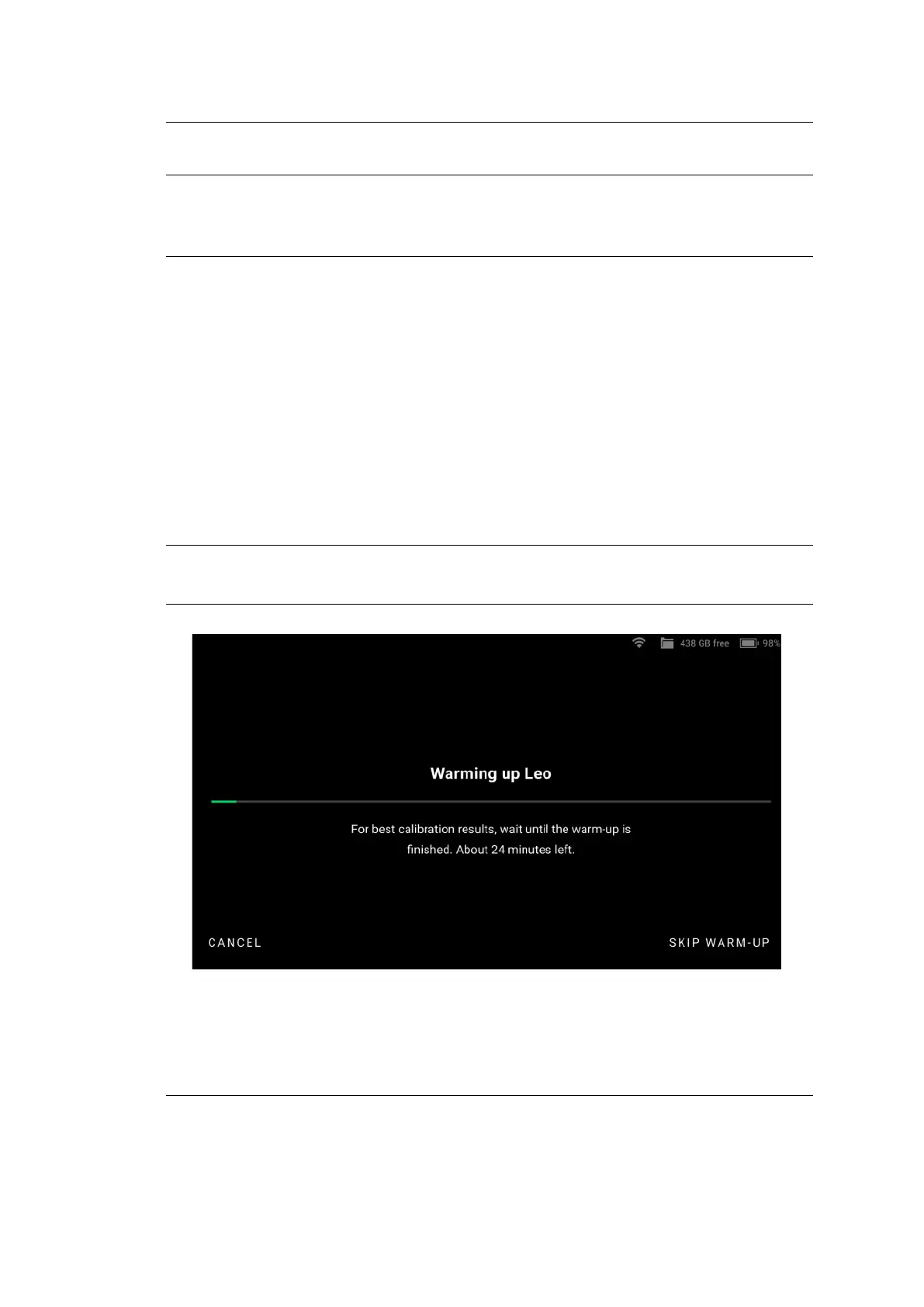
5. The next screen is the warm-up screen that indicates the time required to
warm Leo up to its optimal temperature range (~30 minutes). Keep Leo
ON, and wait while Leo warms up.
Note: To obtain precise results, it is essential to warm up Leo to its optimal
working temperature before recalibration. DO NOT skip this step.
Figure 38: Leo warms up to its optimal working temperature.
Step 3: Calibration
68 Chapter 5. Calibration



 To Next Page