Conguring Client Settings
Conguring Network Settings
98
NOTE
• If you haven’t created any entry, the Virtual Private Network list will be empty. For
instructions on adding a virtual private network, please see the preceding topic.
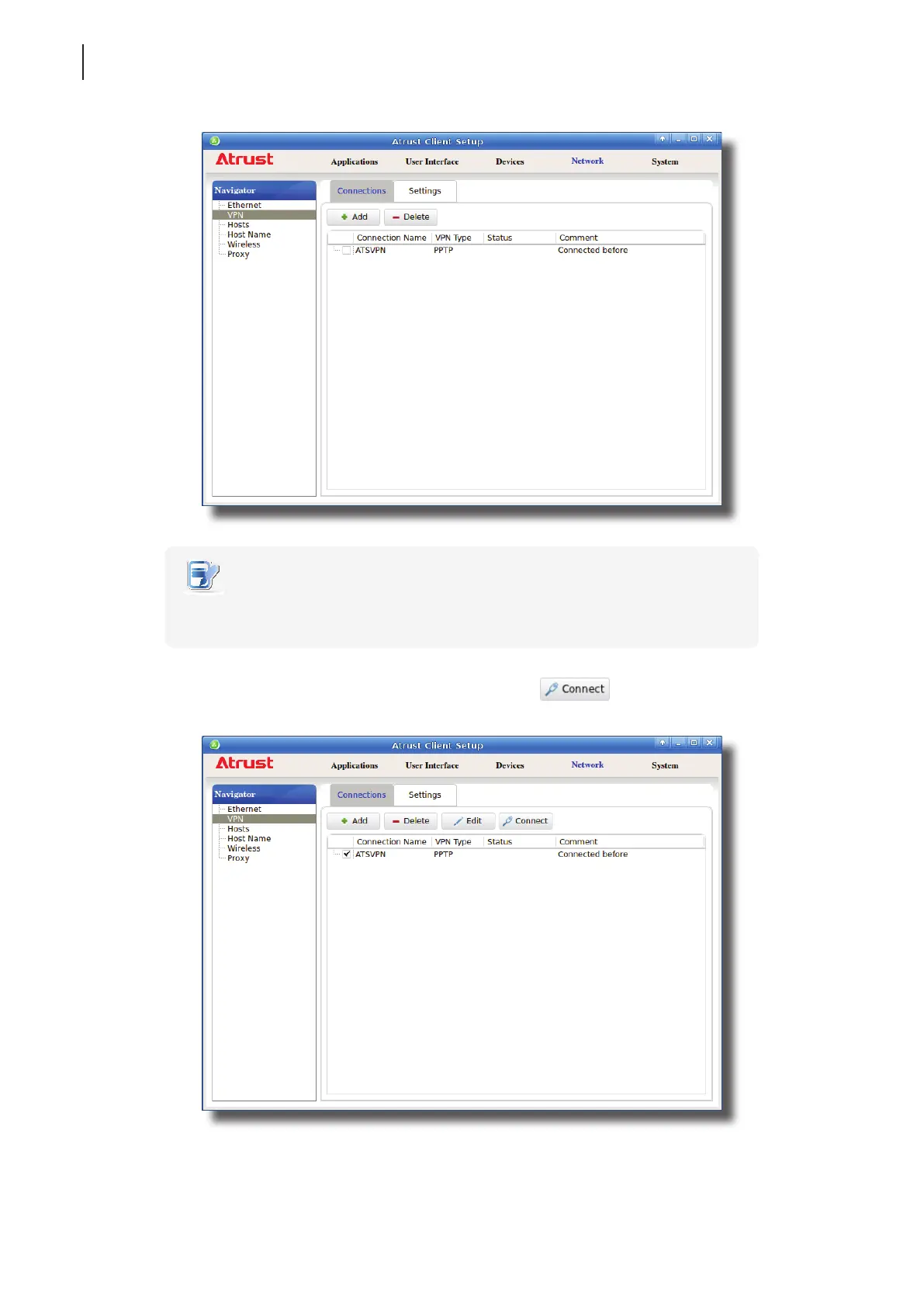
2. Click to check the desired virtual private network. The Connect button then appears on the top
of the Virtual Private Network list.
3. Click Connect to create a virtual private network connection through the selected network entry.



 To Next Page