Conguring Client Settings
Conguring Network Settings
109
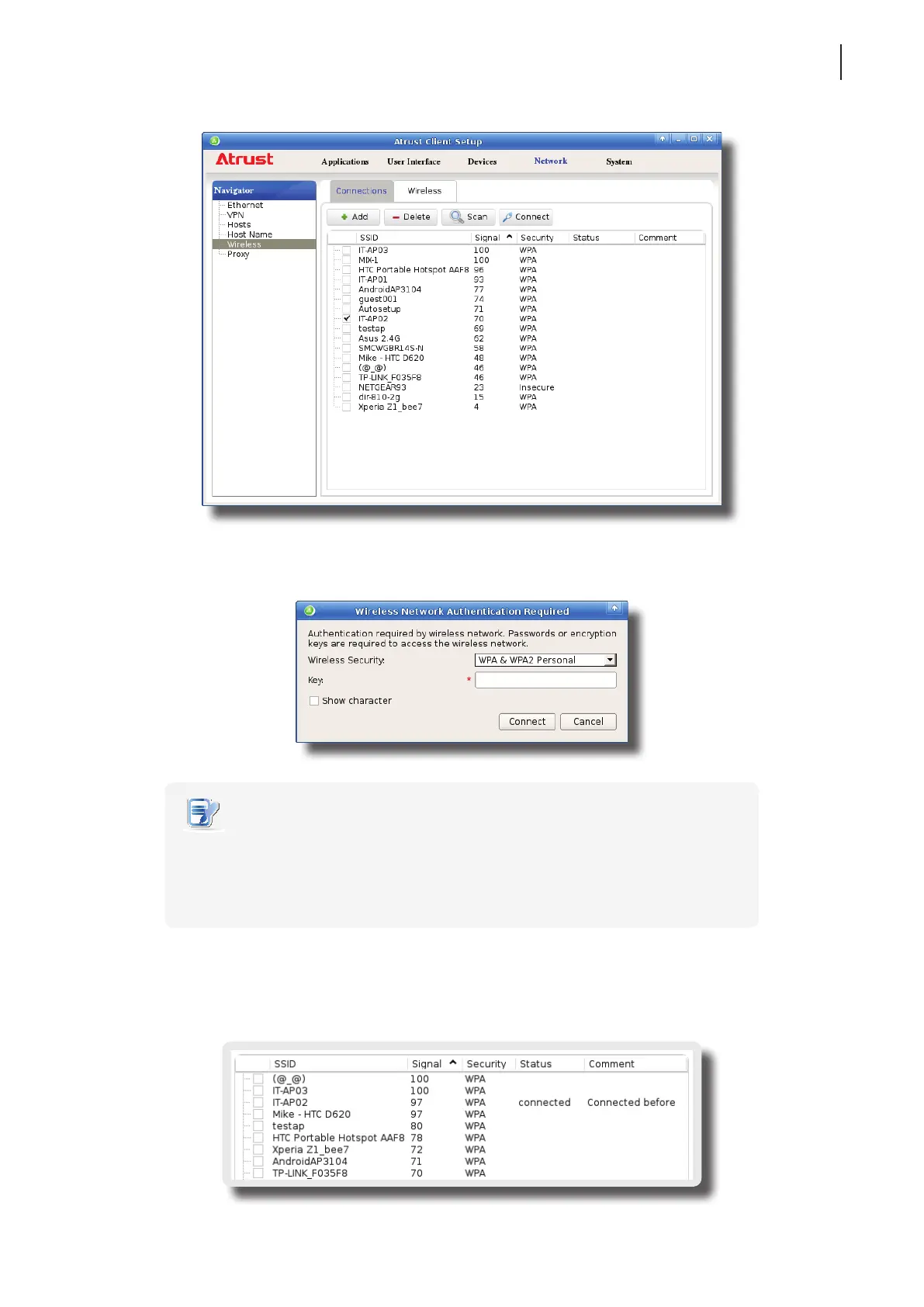
3. Click Connect to create a wireless network connection through the selected wireless network.
4. A window appears prompting for conrmation or authentication.
NOTE
• If you ever accessed this wireless network before, the password will be automatically
recorded for future access. In this case, you don’t need to provide the password
again; you only need to conrm the establishment of a wireless connection.
• Consult your network administrator for required information on authentication.
5. Type in the required password, and then click Connect to continue. Or, click OK to conrm the establishment
of a wireless connection.
6. Upon completion, the Status column of the wireless network will show connected.



 To Next Page