Getting Started
Learning the Basics
32
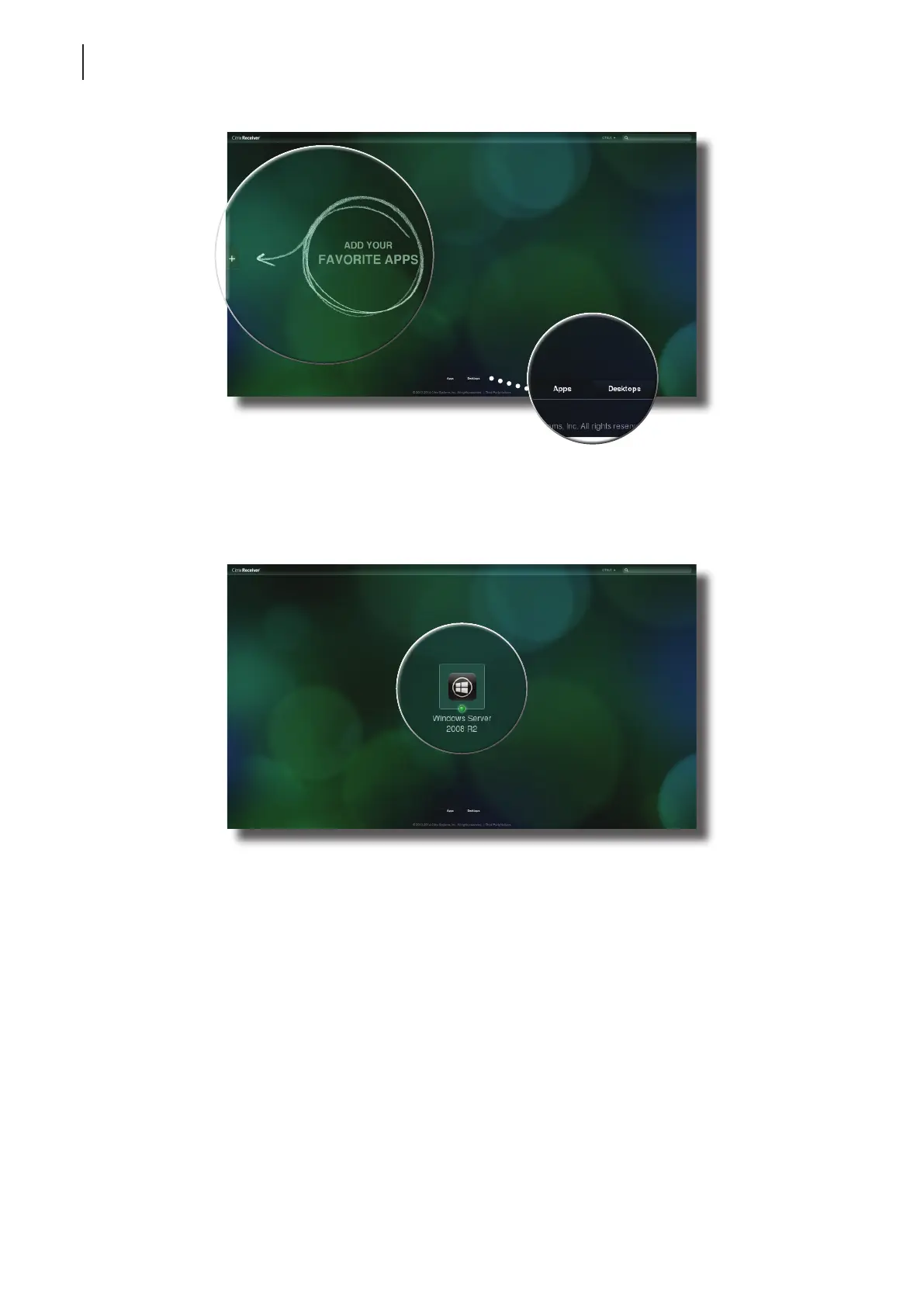
2. Click to select the desired application(s) or desktop.
3. The selected application(s) or desktop will be displayed on the screen.
Two buttons may be available
for your to switch between
Application and Desktop
Selection screen, depending on
your server-side deployment.
You might see this
screen when you log
in to XenApp 7.5 for
rst time. Just click
to add your favorite
apps from a list.
Desktop Selection Screen



 To Next Page