Getting Started
Learning the Basics
33
NOTE
• Clicking on Application Selection screen will bring the screen to the front and leave
all launched application windows hidden behind. Use Alt + Tab to select and restore
a hidden or minimized application window.
• Exiting a virtual desktop or application will return to the Desktop Selection or
Application Selection screen. On the screen, you can:
Click to launch another virtual desktop if any or to launch other applications.
Click Log O on the top of the screen to return to the Citrix Logon screen.
Press Esc to return to Atrust Quick Connection screen directly.
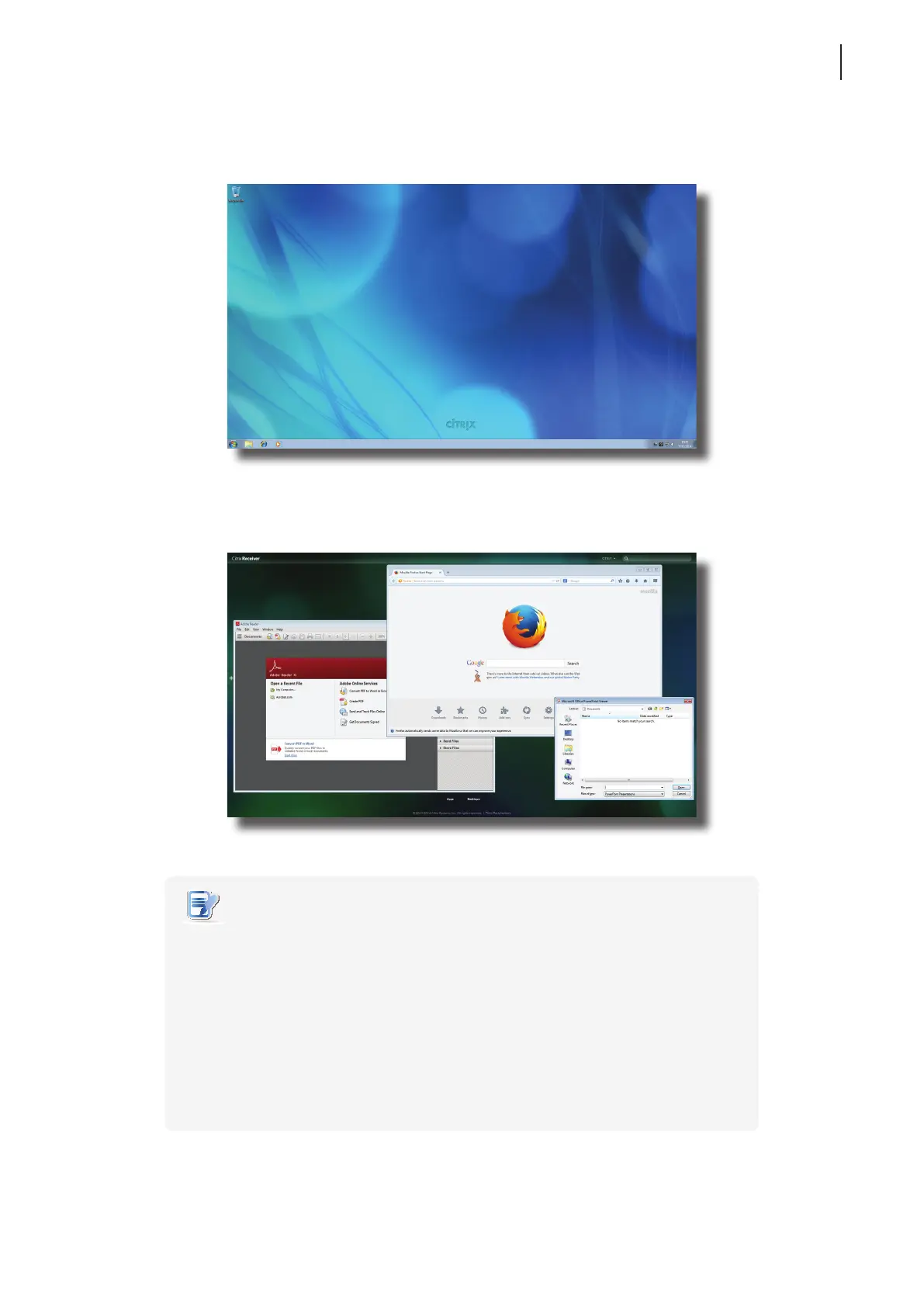
Virtual Desktop Example: Windows Server 2008 R2
Virtual Application Examples
Adobe Reader, Mozilla Firefox, and PowerPoint Viewer



 To Next Page