Getting Started
Learning the Basics
36
NOTE
• Your desktop or application will be displayed in full screen. You can:
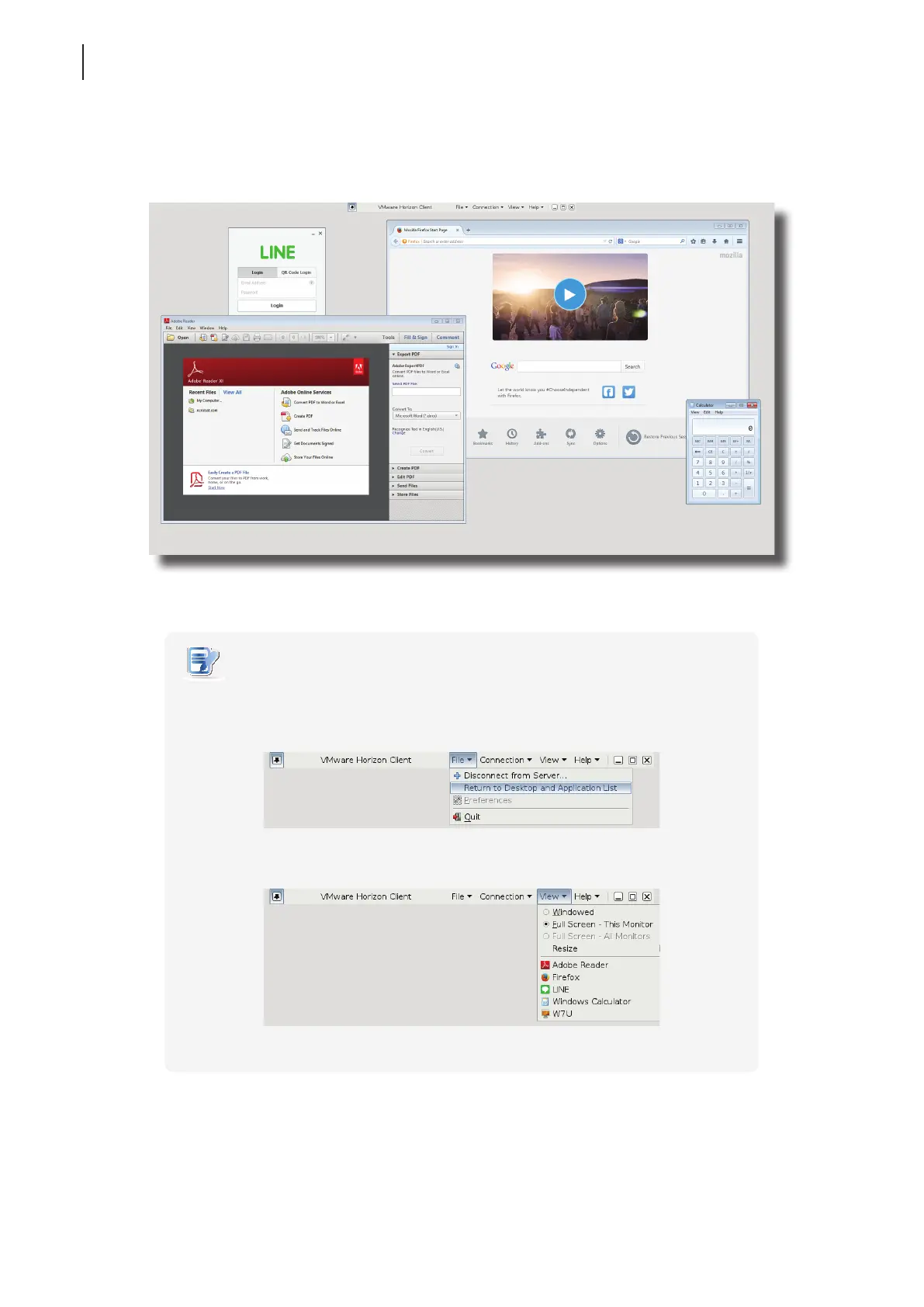
Click File > Return to Desktop and Application List on the top tool bar to
recall the Desktop and Application list.
Click View on the top tool bar to switch to a virtual desktop or application.
Virtual Application Examples (VMware Horizon 6 with View)
LINE, Adobe Reader, Mozilla Firefox, and Calculator



 To Next Page