Getting Started
Learning the Basics
35
NOTE
• A window might appear with a certicate message about the remote server.
Consult the IT administrator for details and ensure the connection is secure rst.
To import a security certicate, please refer to section “4.2.14 Importing Certicates
for Remote Computers” on page 64. To bypass, click Connect Insecurely.
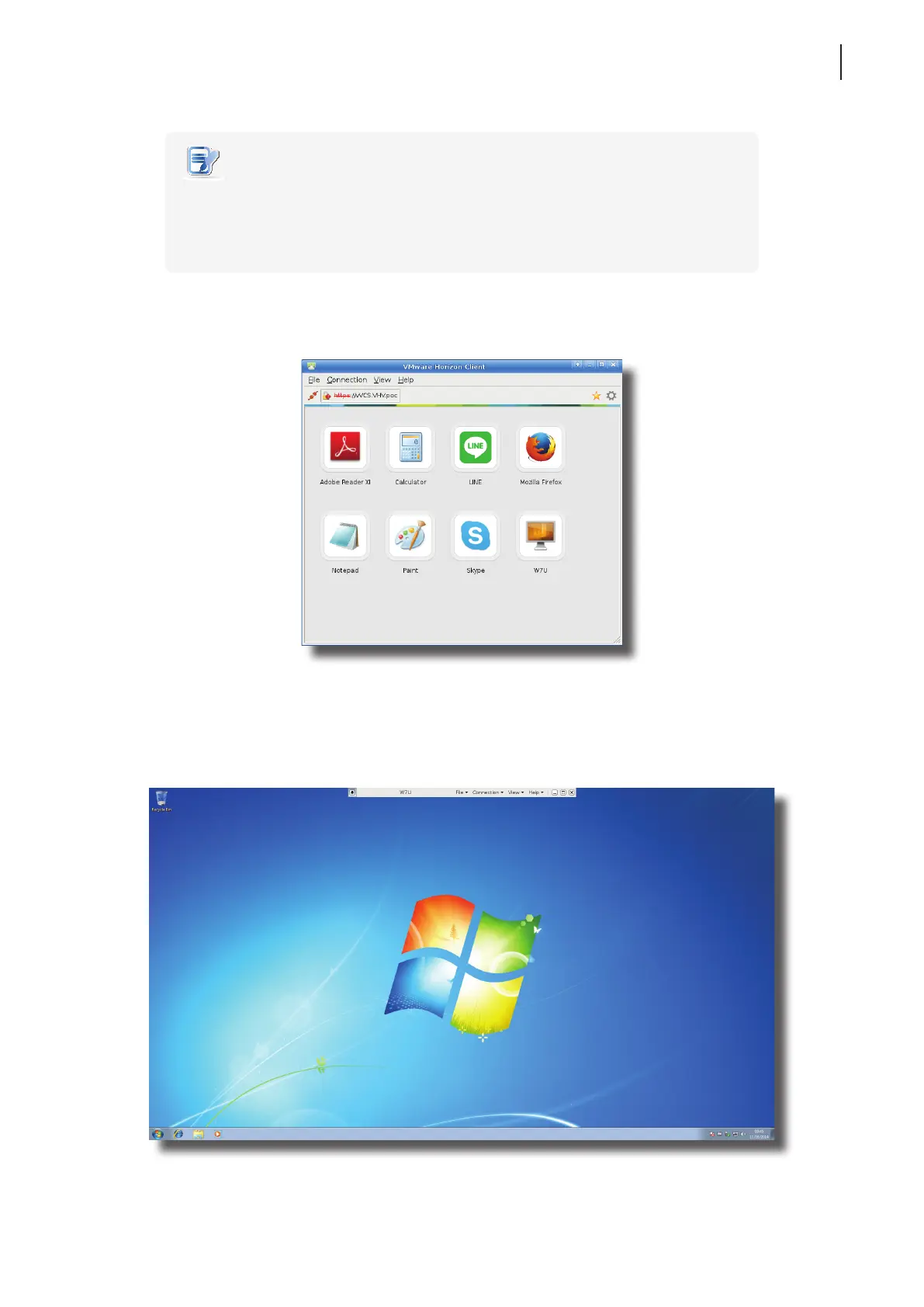
6. The Desktop and Application list appears with available desktops and/or applications for the provided
credentials. Double click to select the desired desktop or application.
7. The virtual desktop or application will be displayed on the screen.
Virtual Desktop Example
Windows 7 Ultimate



 To Next Page