Conguring Client Settings
Conguring System Settings
51
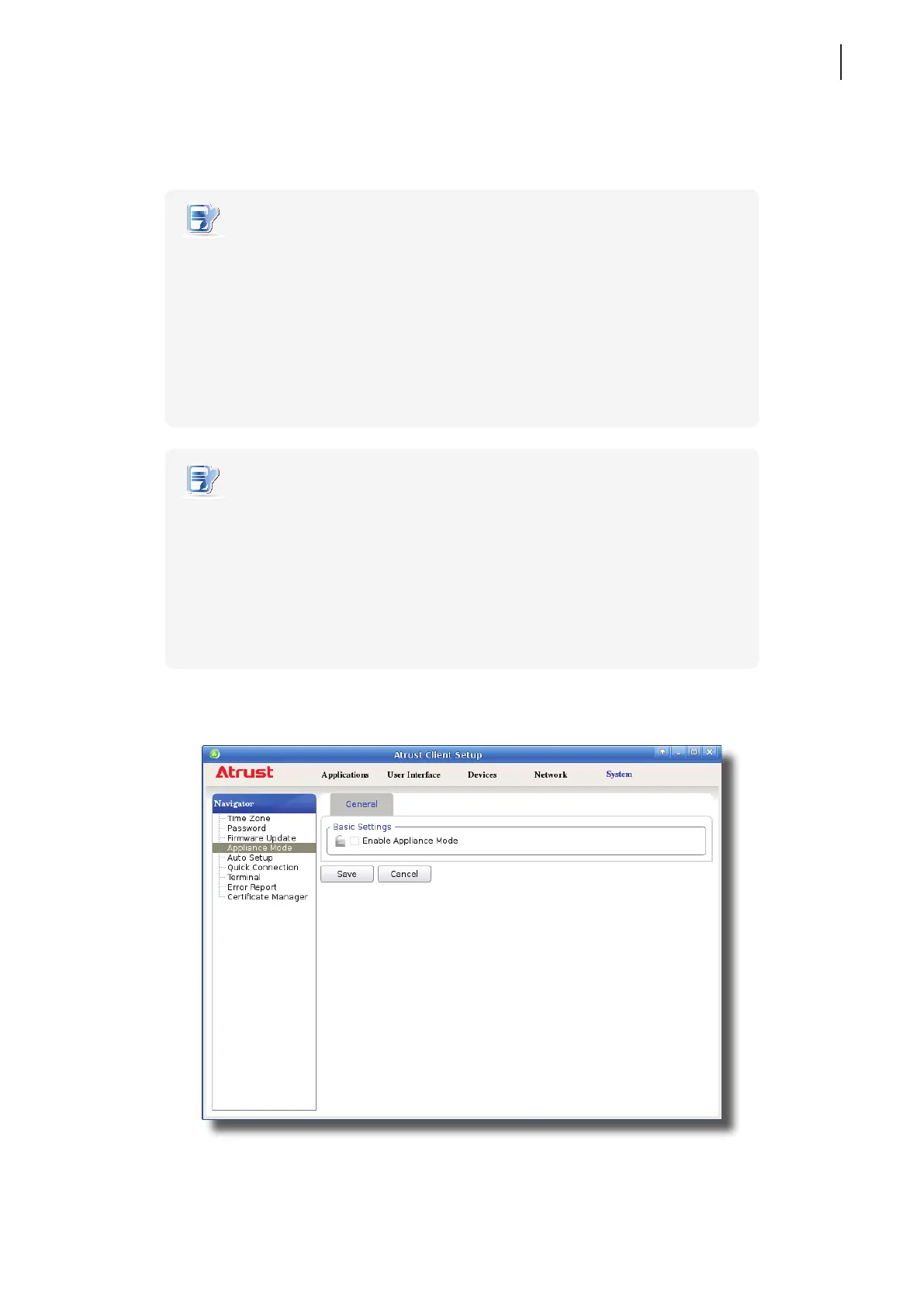
Enabling the Appliance Mode
To enable the Appliance mode, please do the following:
NOTE
• Ensure that you have congured the connection settings for the desired Microsoft
Remote Desktop, Citrix ICA, VMware View or Horizon View session under
Applications tab. You need to specify which service type and connection settings
entry will be used under the Appliance mode. For detailed instructions, please see
sections:
”4.6.3 Conguring Basic RDP Connection Settings” on page 116
“4.6.6 Conguring Basic ICA Connection Settings” on page 146
“4.6.12 Conguring Basic VMware View Connection Settings” on page 198
NOTE
• Please note that the Autostart mode also enables the client to start up directly with
an RDP / ICA / View session and provides more conguration exibility than the
Appliance mode. For detailed information on the Autostart mode, please refer to
the following sections:
“4.6.5 Conguring Advanced RDP Connection Settings” on page 131
“4.6.11 Conguring Advanced ICA Connection Settings” on page 169
“4.6.14 Conguring Advanced View Connection Settings” on page 202
1. On Atrust Client Setup, click System > Appliance Mode.
2. Click to check Enable Appliance Mode.



 To Next Page