Conguring Client Settings
Conguring System Settings
52
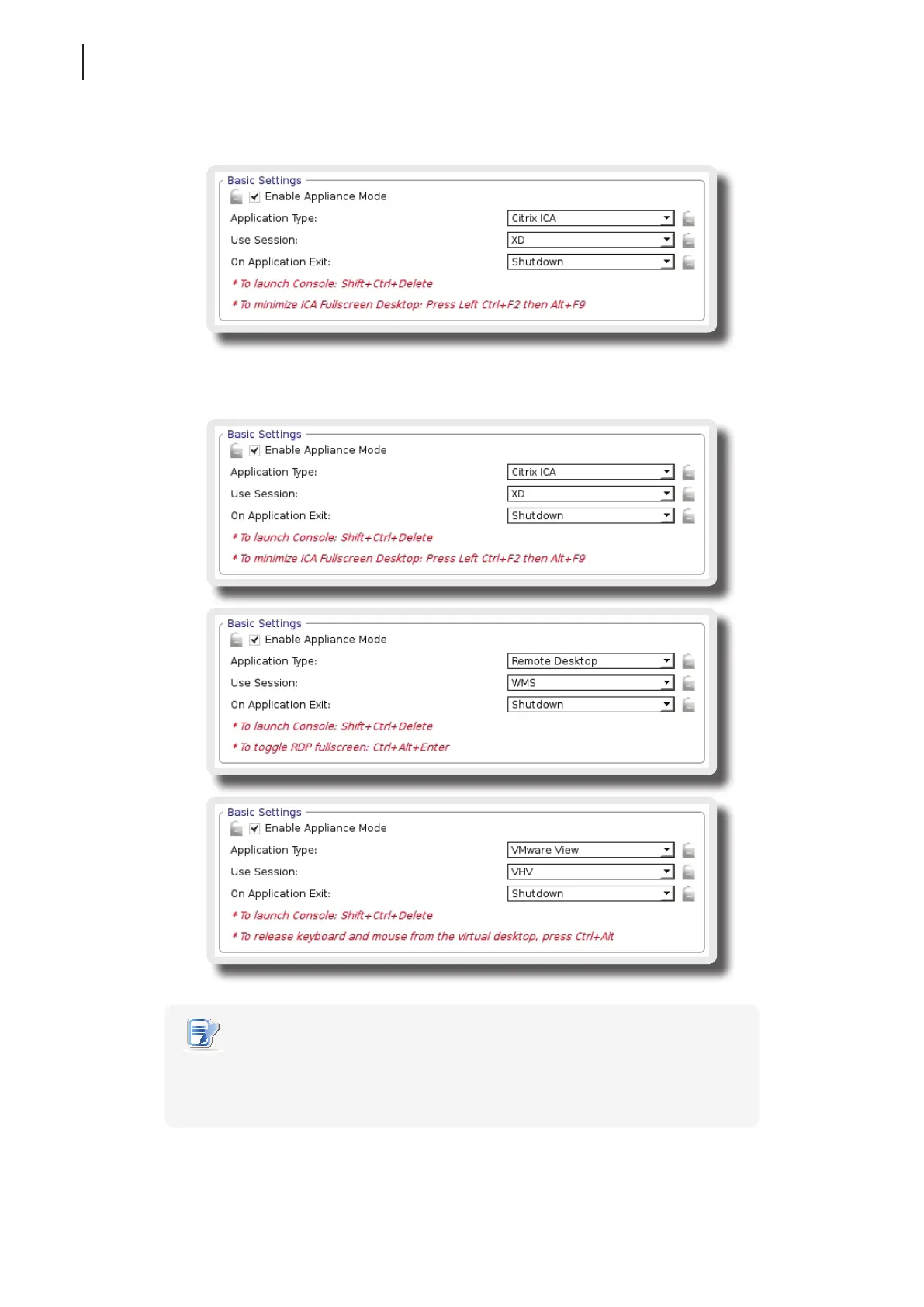
3. Other settings of the Appliance mode appear.
4. Click drop-down menus to select the application (or service) type: Citrix ICA, Remote Desktop, or
VMware View, the specic service available in that type, and the desired action after exiting a session.
NOTE
• No matter which Resolution option you choose for the selected RDP / ICA / View
service, RDP / ICA / View sessions under the Appliance mode will always use the
Full Screen mode to display the remote/virtual desktop.
5. Click Save to conrm your selections.



 To Next Page