Conguring Client Settings
Conguring System Settings
65
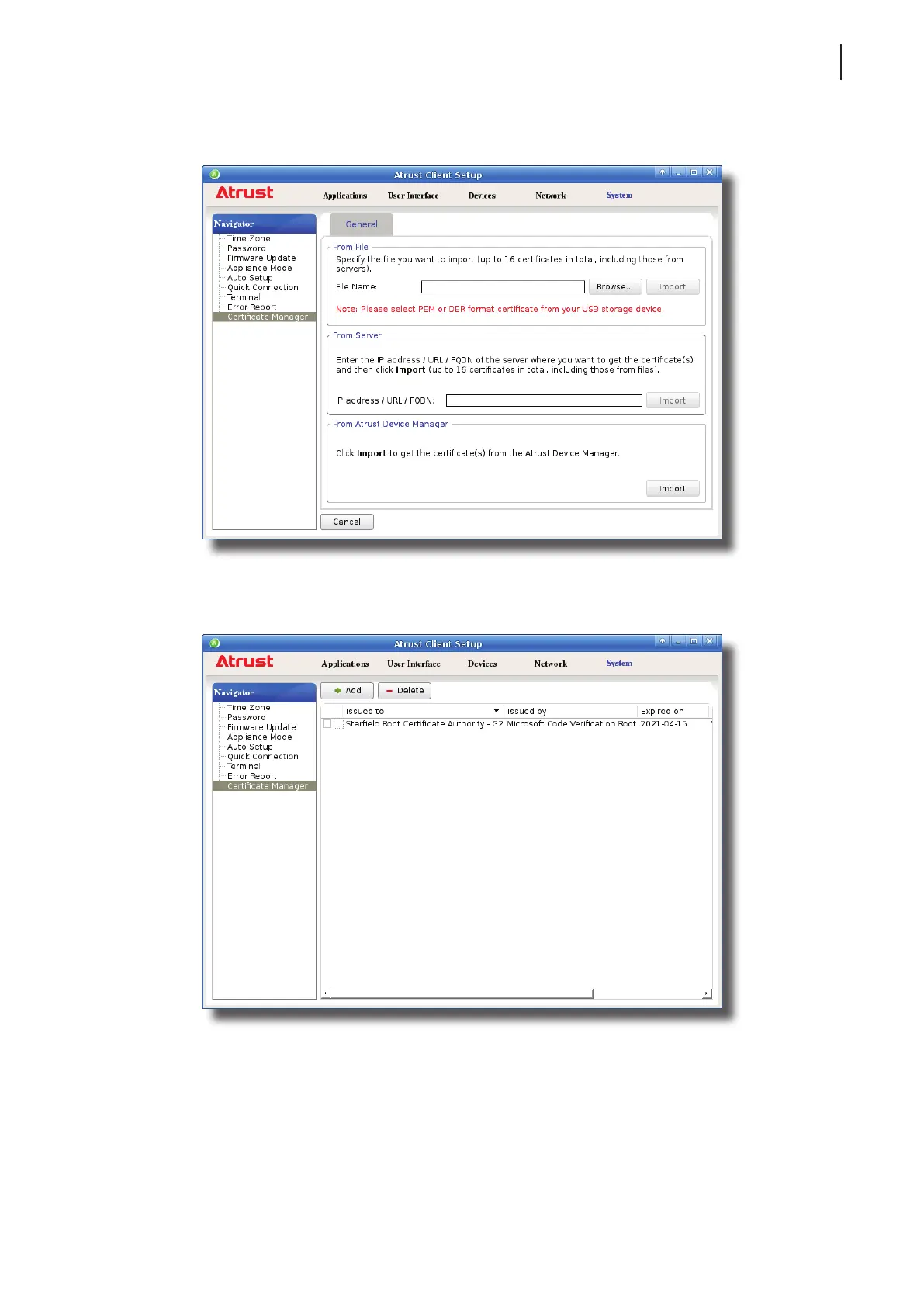
4. In the From File section, click Browse to locate the desired certicate le, and then click Open to conrm.
5. Click Import to start importing the certicate.
6. On completion, the certicate is shown in the Certicate list.



 To Next Page