61
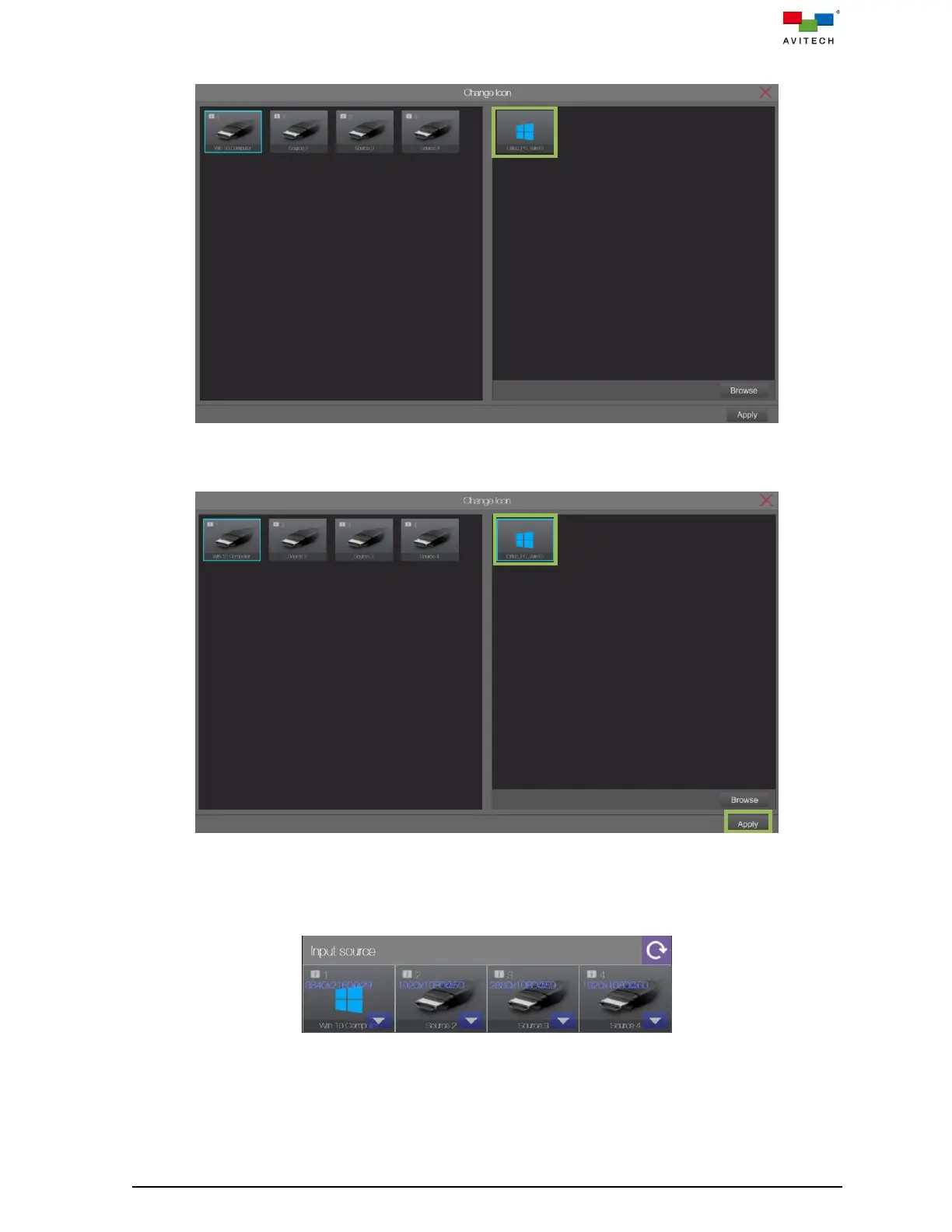
Notice that the image will now be shown in the frame of right.
Figure 4.2.1.4 Browse Image Window
Step 5. Click the image then click Apply to continue.
Figure 4.2.1.5 Apply Icon
Notice that the selected image will now replace the default input port image shown in the input
control bar. Perform the above steps to replace the other input signal icon(s) as desired.
Figure 4.2.1.6 Replaced Icon of Input in Input Source Control Bar



 To Next Page