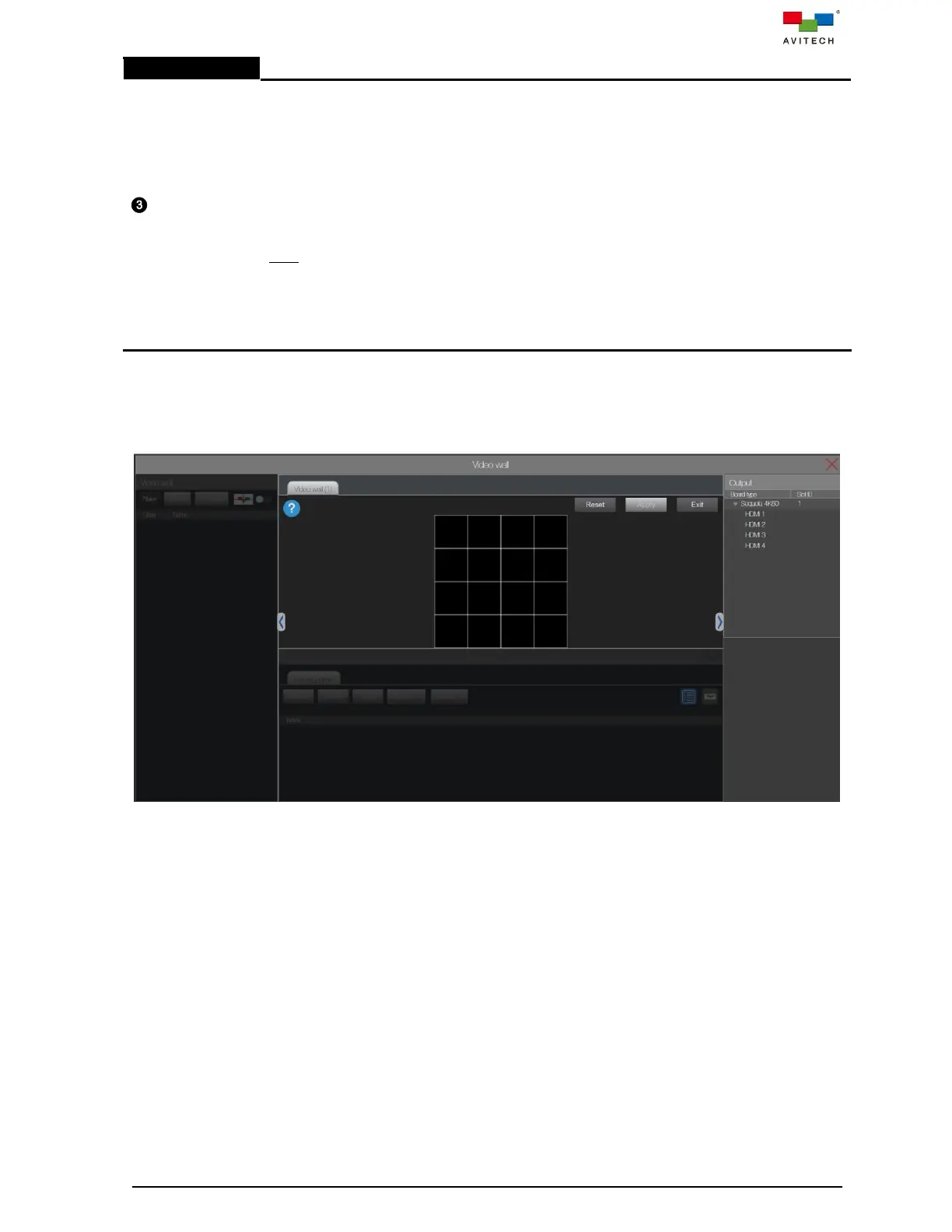
Allows user to add/remove/move HDMI OUT port in this area. Examples:
A 2×2 wall display is comprised of a 2×2 screen for a maximum of two windows for each
screen and a maximum of eight windows for a 2×2 wall.
A 1×2 or 1×2 wall display is comprised of a 1×2 or 1×2 screen for a maximum of two
windows for each screen and a maximum of four windows for 1×2 or 1×2 wall.
A 1×3 or 3×1 wall display is comprised of a 1×3 or 3×1 screen for a maximum of two
windows for each screen and a maximum of six windows for 1×3 or 3×1 wall.
A 1×4 or 4×1 wall display is comprised of a 1×4 or 4×1 screen for a maximum of two
windows for each screen and a maximum of eight windows for 1×4 or 4×1 wall.
Note:
1. For a window that straddles both screens will be counted as one window for each screen.
2. Adding a third window on either screen will cause the first window created or, from out of the
two windows, the first window will become hidden from view by the system. But upon
removing the newly added window, system will cause the hidden window to reappear on the
same position/size prior to its being hidden.
Step 7. On the video wall top bar area, click New. A new Video wall (1) (default name) window in the



 To Next Page