BD BACTEC™ FX40 Instrument User’s Manual
66
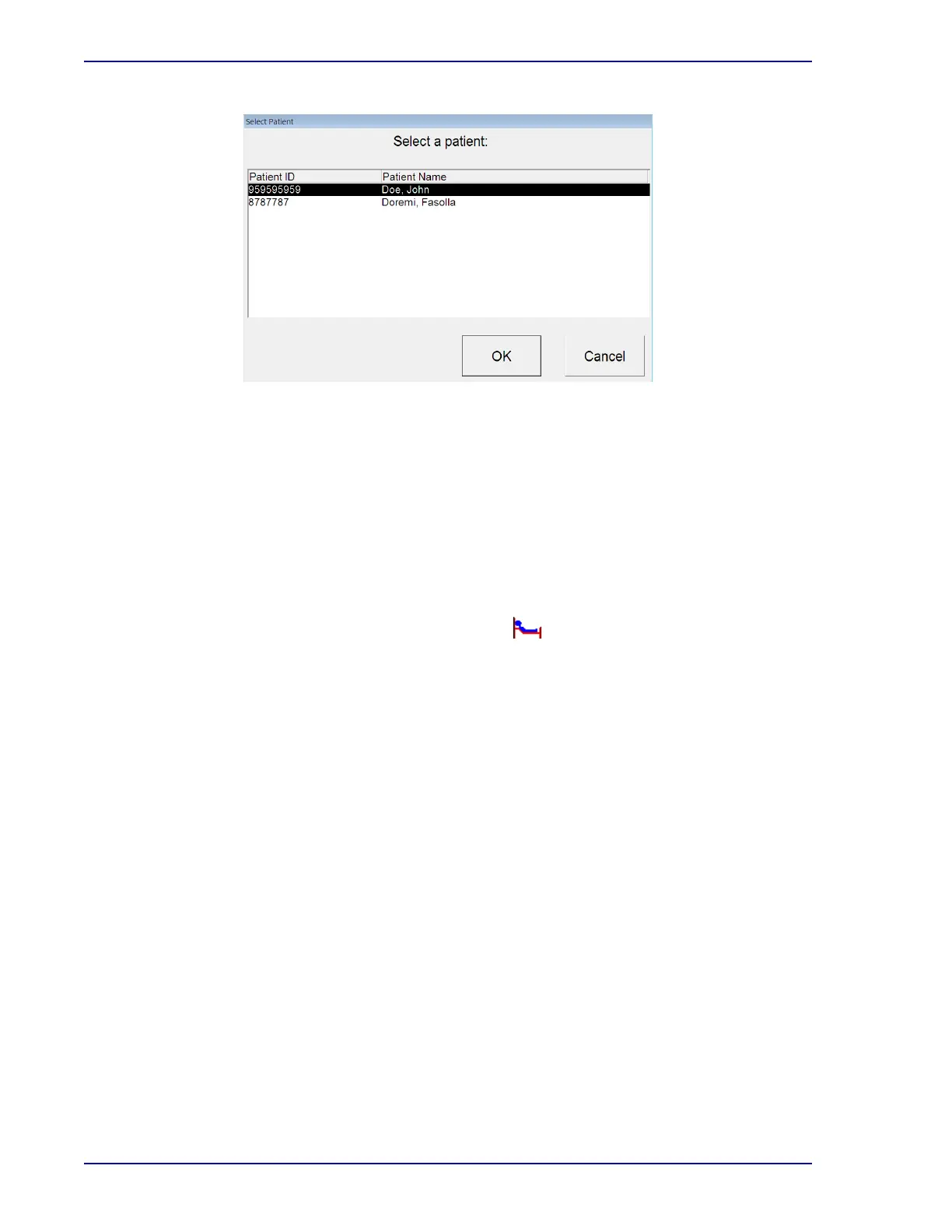
Figure 4-7 – Select Patient Window
If you enter no characters, the search returns all patient records with blank patient names. It
does not return all patient names.
If there is more than one match for a patient name search, the Select Patient window pops up
(Figure 4-7). Highlight the desired patient by selecting that line, then select OK to recall the
patient record. If there are more than 50 matches on the search, a message prompts you to
narrow your search criteria.
Recalling a patient record by the patient ID:
From the Status display, tap the “culture” button.
The Culture – Patient display appears.
Select in the Patient ID field.
The onscreen keyboard appears.
Enter the entire patient ID, then select ENTER. (You cannot enter a partial Patient ID to recall
a patient record.)
The patient record is displayed.
Modifying patient data:
Only the patient name can be modified after a patient record is saved. The patient name can also
be changed to blank.
To modify the patient name:
Recall the desired patient record.
Select in the Patient Name field. The onscreen keyboard appears. Type the new patient name
and then select ENTER.
Select Save to save the patient data.











 To Next Page