5 – Reference
91
The System Alerts button is grayed out when there are no alerts to display.
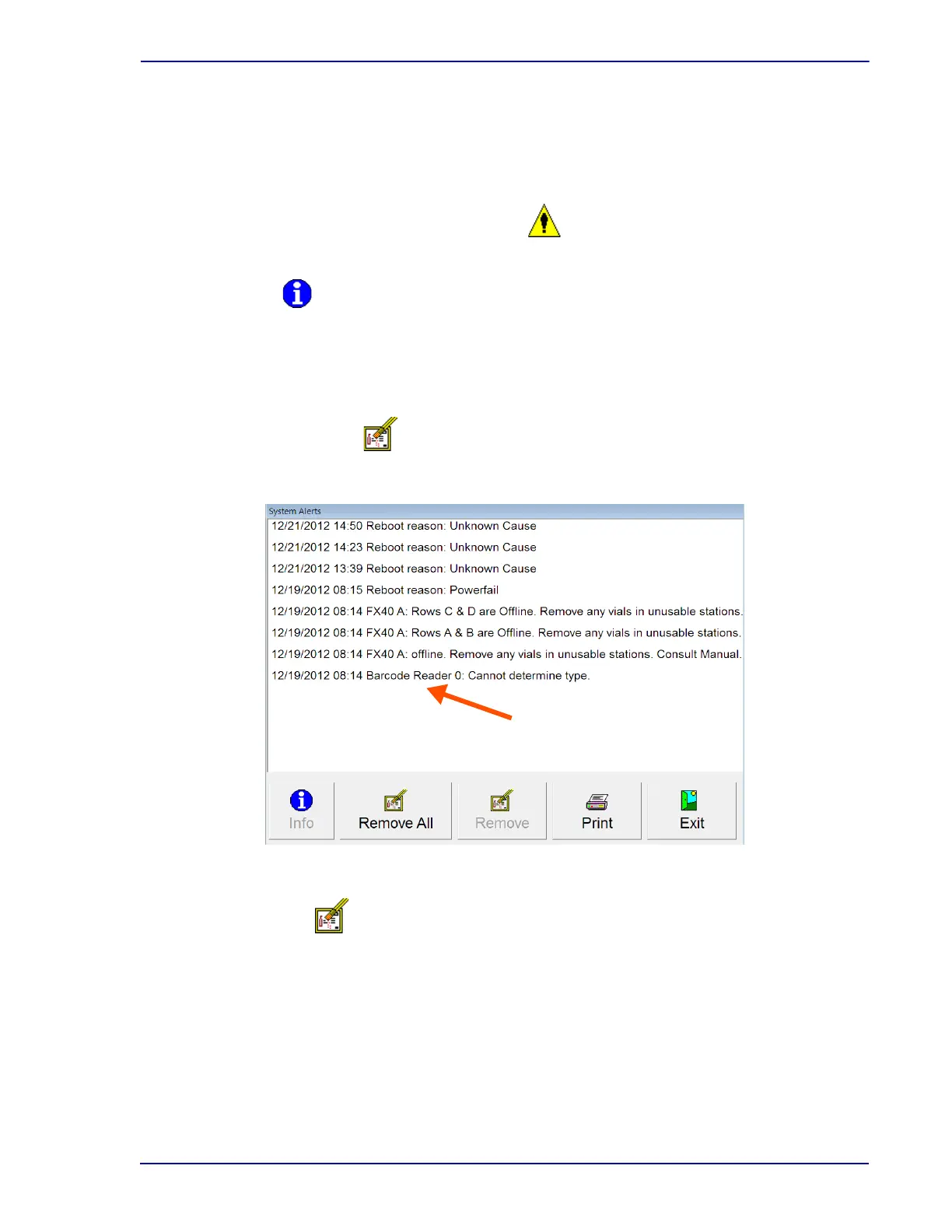
See Figure 5-6 for a sample System Alerts display.
To access System Alerts:
From the Status display, select Syst
em Alerts
System Alerts Buttons:
Info button
Active if a single message is highlighted, inactive if no message or more than one message is
highlighted.
Select to pop up a read-only detail window showing the time that the alert occurred, the time
that the alert was cleared (if applicable), and the full text of the alert message.
Remove All button
Select to delete all the non-active messages from the list. This button is always active.
Figure 5-6 – System Alerts Display
Remove button
This button is active if a message is highlighted, inactive if no message is highlighted. To
select a message for deletion, select the message in the list. To select multiple messages, tap
each one you want to select. To deselect a message that is selected, tap the message again.
You cannot delete active alerts.
Select to delete the highlighted message(s) from the list.
Select a message to highlight it.
When a message is highlighted, the
Info and Remove buttons become
active.











 To Next Page