Cube
®
Installation & Startup
9-2 Belanger, Inc. * PO BOX 5470. * Northville, MI 48167-5470 * Ph (248) 349-7010 * Fax (248) 380-9681 1MANUL963
Chapter 9 Photo-Eyes
Photo-Eye: Layout and Description Overview
The Cube® comes standard with two Photo-Eye assemblies one for loading vehicles into the wash
bay and another for activating the Cube® system. The Photo-Eye assembly for loading vehicles
includes one set of Photo-Eyes and the Photo-Eyes for machine activation includes two sets of Photo-
Eyes.
More sets can be added to the system in the case where a customer desires precise on/off timing for
particular components or other off-board free-standing pieces of equipment. The system can
accommodate up to 5 sets of non-loading Photo-Eyes total (3 sets at the entrance and 2 sets at the
exit).
Before installing any of the Photo-Eyes, read and understand the Setup / Entrance Operations
and Setup / Exit Operations sections from the Cube® X2 Pro Operator Programming and
Operational Manual 1MANUL964.
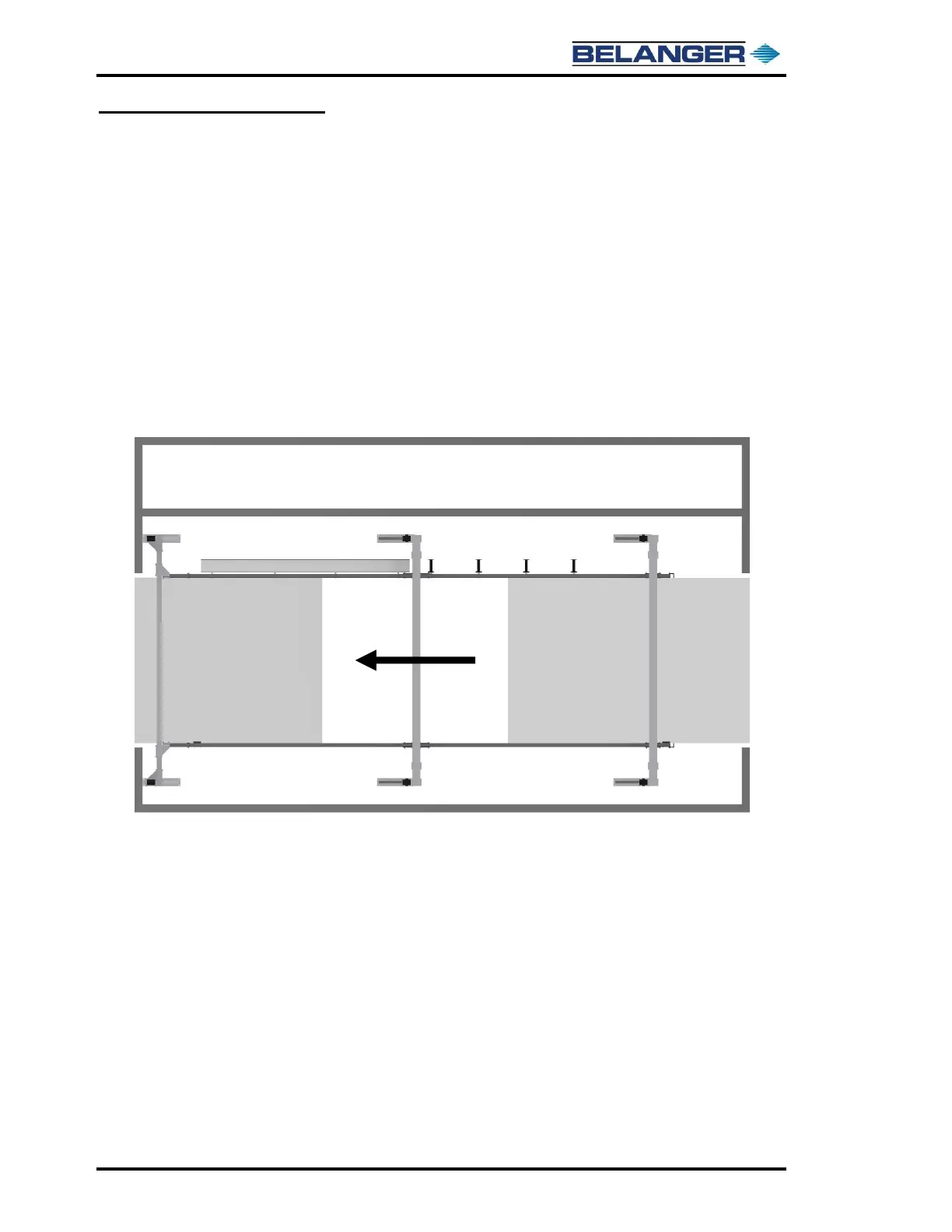
The image below shows the “zones” that are assigned to a two Photo-Eye set system.
The “Entrance Zone” is typically between the entrance Photo-Eyes and just after the load position.
Equipment in this zone typically turned on with the Photo-Eye, and then turned off by either the Photo-
Eye or the load position even though other on/off options are available.
The “Exit Zone” is typically between the load position and the exit door Photo-Eyes. Equipment in
this zone is typically turned on at END OF CYCLE and then turned off when past the Photo-Eyes.
Many other on/off options are available.
The actual installation of the Photo-Eyes is covered later in this Chapter.



 To Next Page