Cube
®
Installation & Startup
1MANUL963 Belanger, Inc. * PO BOX 5470. * Northville, MI 48167-5470 * Ph (248) 349-7010 * Fax (248) 380-9681 4-7
Chapter 4 Electrical Overview and Panels
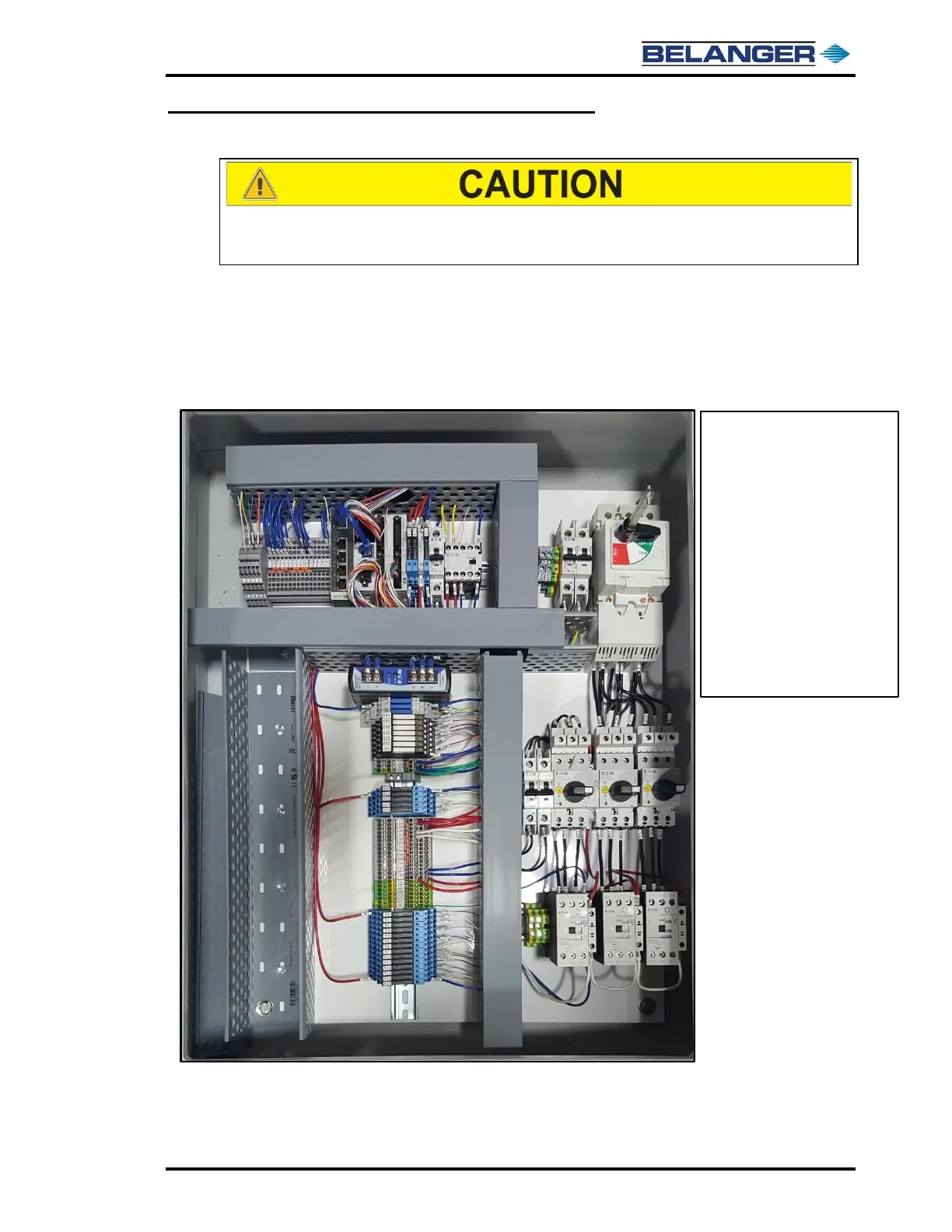
Cube® Building Panel
DO NOT punch ANY holes in the top of the enclosure. It may allow
moisture to leak inside. Doing so voids all warranties.
NOTE TO ELECTRICIANS AND ARCHITECTS
Use only CAT-5E stranded wire for communication between the Cube® Building Panel
and the Cube® Carriage Panel. This communication wire is used to communicate with
the Variable Frequency Drives (VFD’s). Any extra wires in CAT-5E wire must not be used
for other circuits. CAT-5E wires must be installed to match colors of wire indicated in
electrical Prints.
The above image shows the components located inside of the Cube® Building Panel Enclosure
REFER TO YOUR SUPPLIED ELECTRICAL PRINTS, AND
SITE-SPECIFIC DRAWINGS FOR INSTALLATION DETAILS



 To Next Page