Cube
®
Installation & Startup
1MANUL963 Belanger, Inc. * PO BOX 5470. * Northville, MI 48167-5470 * Ph (248) 349-7010 * Fax (248) 380-9681 2-1
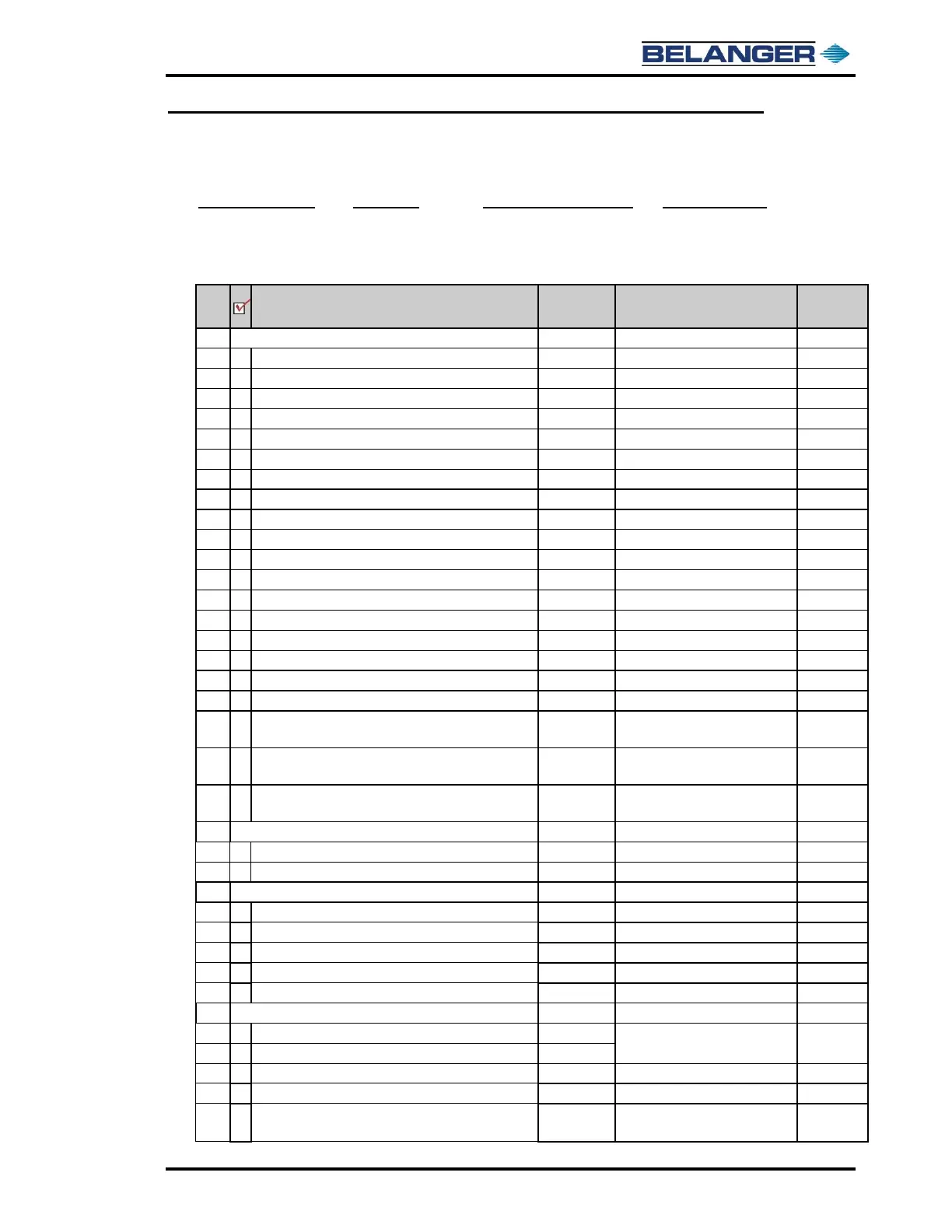
Chapter 2 Recommended Installation Sequence Checklist
Main Checklist
Become Familiar with Site
DETERMINE EQUIPMENT LOCATIONS
Mount Building Electrical Panel
Electrical & Getting Started
Mount Carriage Electrical Panel
Electrical & Getting Started
Electrical & Getting Started
Not Supplied by Belanger®
Getting Started & Air Panels
Mount Single Foam Air Panel
Getting Started & Air Panels
Mount Triple Foam Air Panel
Getting Started & Air Panels
Getting Started & MixStir CTA
Mount Bug Spray MixStir® Tank
Mount High Pressure (H.P.) Pump Assemblies
Getting Started & H.P. Pump Asy.
Mount Disconnect Panel f/High Pressure Pumps
Getting Started & H.P. Pump Asy.
Position Spot Free Rinse (RO) Unit and Tank
Getting Started & Spot Free Rinse
Getting Started & Water Softener
Position and Mount Temp Sensor Assembly
Leave Adequate Space for Chemical Drums
Undercarriage, ICS, and MixStir®
Position and Mount Electrical Junction Box for Carriage
Cables
Electrical & Getting Started
Determine Lengths for Additional Carriage Cables for
Junction Box and Order
Electrical & Getting Started
Determine Lengths for Hoses/Airlines from Utility
Manifold/Bulkhead Assembly and Order
Getting Started, Air Panels, ICS,
HP Pump, MixStir CTA, & RO Opt.
Coordinate E-Stop Locations
Not Supplied by Belanger®
Electrician to Install Conduits and Wires to ALL Panels
Plan System Component Drain System
Plan Air Compressor Air-Dump Drain
Plumber to Install Hard Plumbing
Plumber to Flush Hard Plumbing
ERECT FRAMEWORK AND INSTALL CARRIAGE
Position Framework w/Proper Clearances
Getting Started & Frame and
Carriage Assembly
Manually Roll Carriage Up and Down Rails
Tighten Cat Track Utilities on Angle Mount
Frame and Carriage Assembly
Connect Utilities to Utility Manifold/Bulkhead Assembly
Frame and Carriage Assembly
Determine Location to Penetrate Wall f/Utilities (if
applicable)
Trades & Frame and Carriage
Assembly
Building dimensions:
Equipment Room
Bay Area
Location of:
Main Water Feed
Main Electrical Feed
Determine proper location:
Air Drops
Wall Penetrations
E-Stops
Required Material:
Anticipate runs and material required
to complete install (i.e. salt for
softener, hydraulic hose assemblies,
cables, hoses, airlines)



 To Next Page