186
Troubleshooting
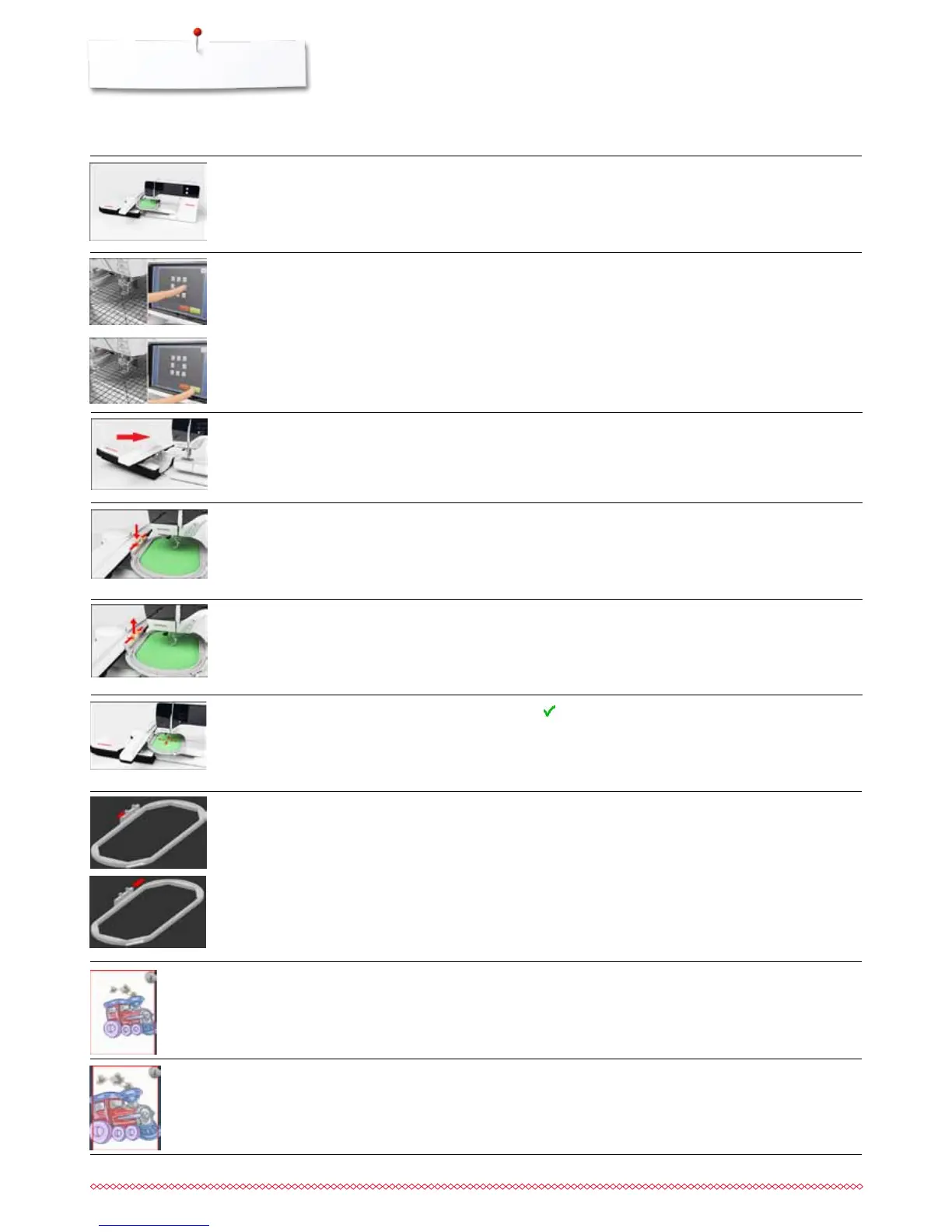
the hoop moves
contact between embroidery computer
and embroidery module is interrupted
due to vibrations
⦁
touch to confirm
⦁
reconnect embroidery module and switch off and on the
embroidery computer
no embroidery hoop attached
embroidery hoop attached
broidery module has not been attached
yet
embroidery module has not been
correctly attached
needle position doesn‘t correspond to
center of hoop
⦁
attach the hoop
⦁
remove the hoop
⦁
connect the embroidery module to the sewing computer
⦁
check the embroidery module connection
⦁
calibrate according to User Instructions page 48
embroidery motif is partly outside the
hoop
embroidery motif is too large
⦁
reposition the motif. The area within the hoop can be
embroidered
⦁
reduce the motif size or attach a bigger hoop. The area within
the hoop can be embroidered
the embroidery process cannot
proceed
⦁
move Mega-Hoop to center position and resume
embroidering
General Explanation Repair
Messages



 To Next Page