User Terminal Part D VC-6000
TM
Compact monitor
© VC-6000
TM
Compact monitor Dec 09 C100585.002 Communication Vers. 03 - 5 -
1 User Terminal
2 Function
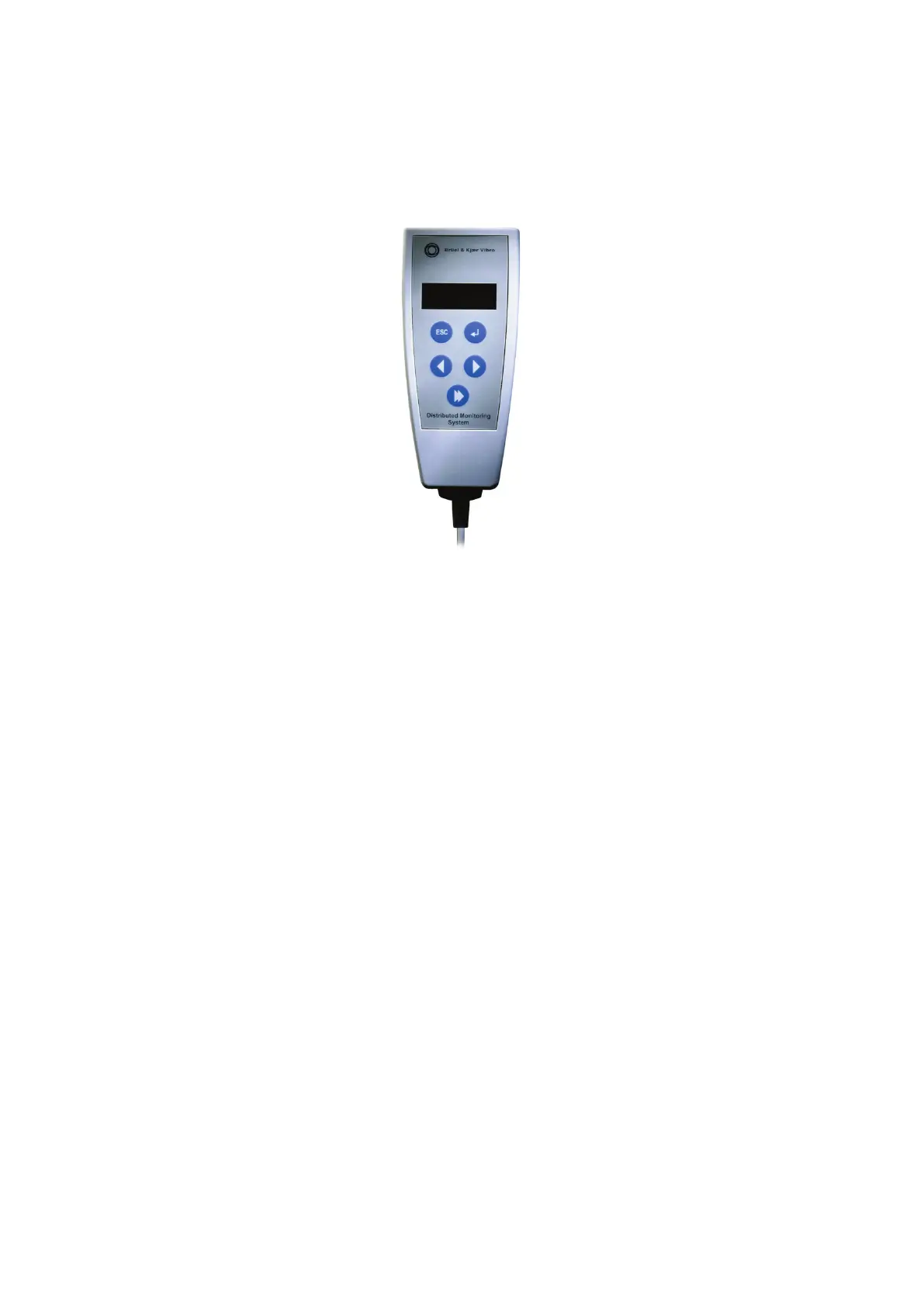
♦ The User-terminal is an operating accessory that is connected directly to
the
VIBROCONTROL 6000 Compact monitor by a connecting cable. This
permits a number of essential setting up tasks to be done on site and
direct display of measured values.
♦ The operating options with the User-terminal include the following:
• Displaying current measurement values,
• Viewing the logbook contents,
• Editing of parameters settings such as limit setpoints and
sensor sensitivity.
• Carrying out system-specific settings,
• Acknowledging selected system conditions.
♦ Access with the User-terminal is organised through a menu system.
Visualisation is by a 2-line display (2 x 16 characters), and the data
selection and entry via the 5 push-buttons on the foil keypad.



 To Next Page