VC-6000
TM
Compact monitor Part D User Menus
- 12 - C100585.002 Communication Vers. 03 © VC-6000
TM
Compact monitor Dec 09
4.3 Confirm
In the USER MENU Block there is a parameter “Confirm“. This parameter
has two setting options:
Acknowledge all: All messages in the systems will be acknowledged
RESET all: All relays will be reset and all messages acknow-
ledged.
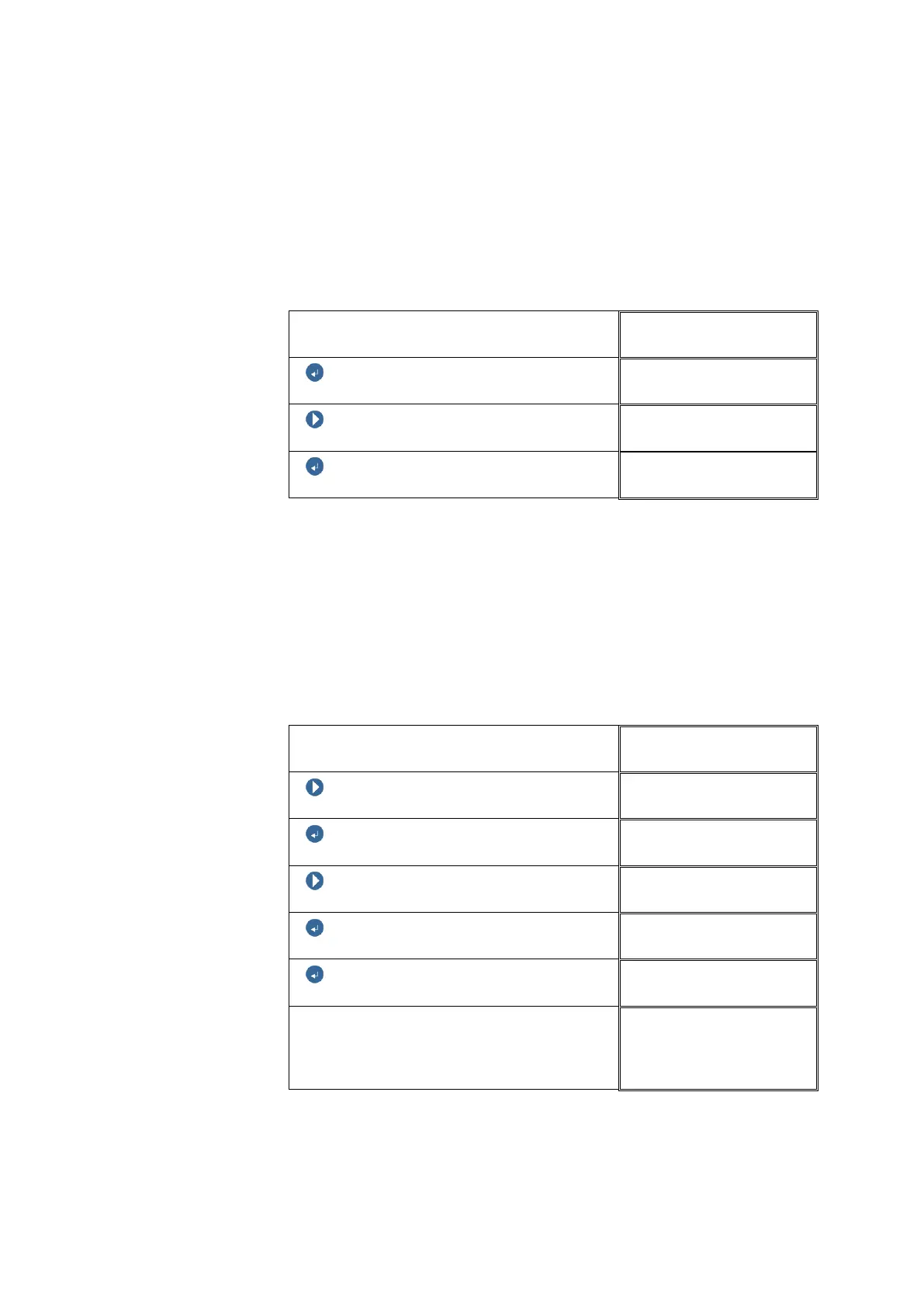
In the following example [Reset all] is selected:
You are logged in as a SUPER USER
USER MENU
ENTER BUTTON
Confirm
NEXT
Confirm
ENTER BUTTON
USER MENU
4.4 Enable / disable Monitoring
In the USER MENU Block there is a parameter “Monitor“. This parameter
has 2 setting options:
Relays disabled: All relays in the system will be disabled.
Off: The monitoring function of the instrument will be
disabled.
The example shows the On and Off switching of Monitoring.
You are logged in as a SUPER USER
USER MENU
NEXT
USER MENU
ENTER BUTTON
Monitoring
NEXT
Monitoring
ENTER BUTTON
USER MENU
ENTER BUTTON
Monitoring
Start display on the DISPLAY
When Monitoring is switched On the
VIBROCONTROL 6000
Compact monitor
is
newly started.
CV_112
12345678



 To Next Page