VC-6000
TM
Compact monitor Part D Displaying parameters
- 20 - C100585.002 Communication Vers. 03 © VC-6000
TM
Compact monitor Dec 09
7 Displaying parameters
In principle the method of displaying parameters is always the same:
• Select the block that is the prominent one for the parameter
• Select the desired parameter
• Display the values that have been set up
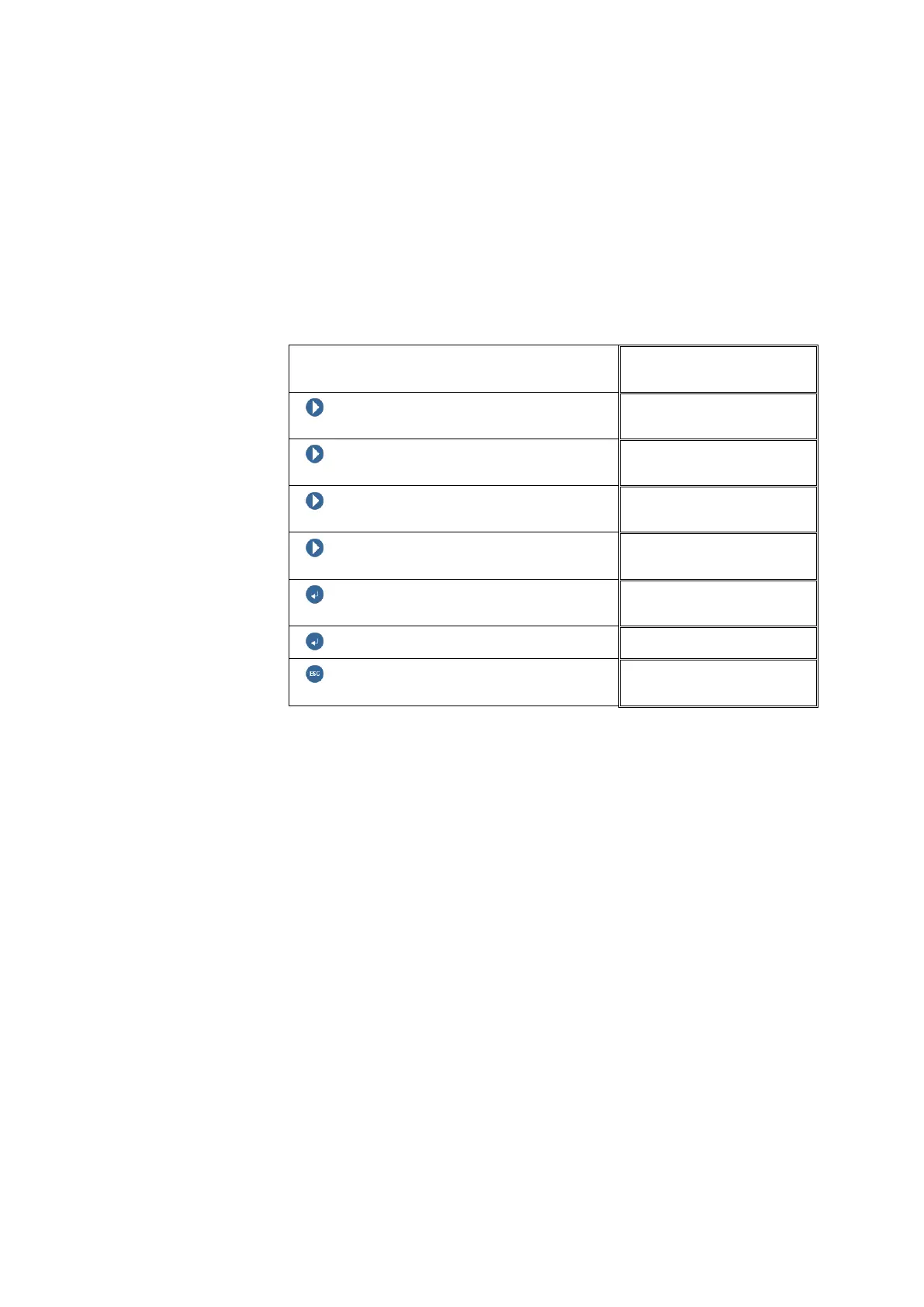
In the following example the socket number of a sensor module will be
displayed:
Block level
NEXT
NEXT
NEXT
NEXT
ENTER BUTTON
SENSOR 01
ENTER BUTTON
Socket no. +003
ESCAPE
SENSOR 01
Parameters which can be edited are marked by a cursor that is displayed.
7.1 Editing parameters
The procedure for editing parameters is first of all very similar to that if
displaying parameters. First the corresponding block of the signal-flow chart
must be selected, then the parameter to be edited.
There are in principle two types of parameters:
• Parameters with continuously variable settings
• Parameters with a discrete selection of setup values



 To Next Page