Displaying parameters Part D VC-6000
TM
Compact monitor
© VC-6000
TM
Compact monitor Dec 09 C100585.002 Communication Vers. 03 - 21 -
7.1.1 Editing parameter settings with discrete selection:
The following example explains:
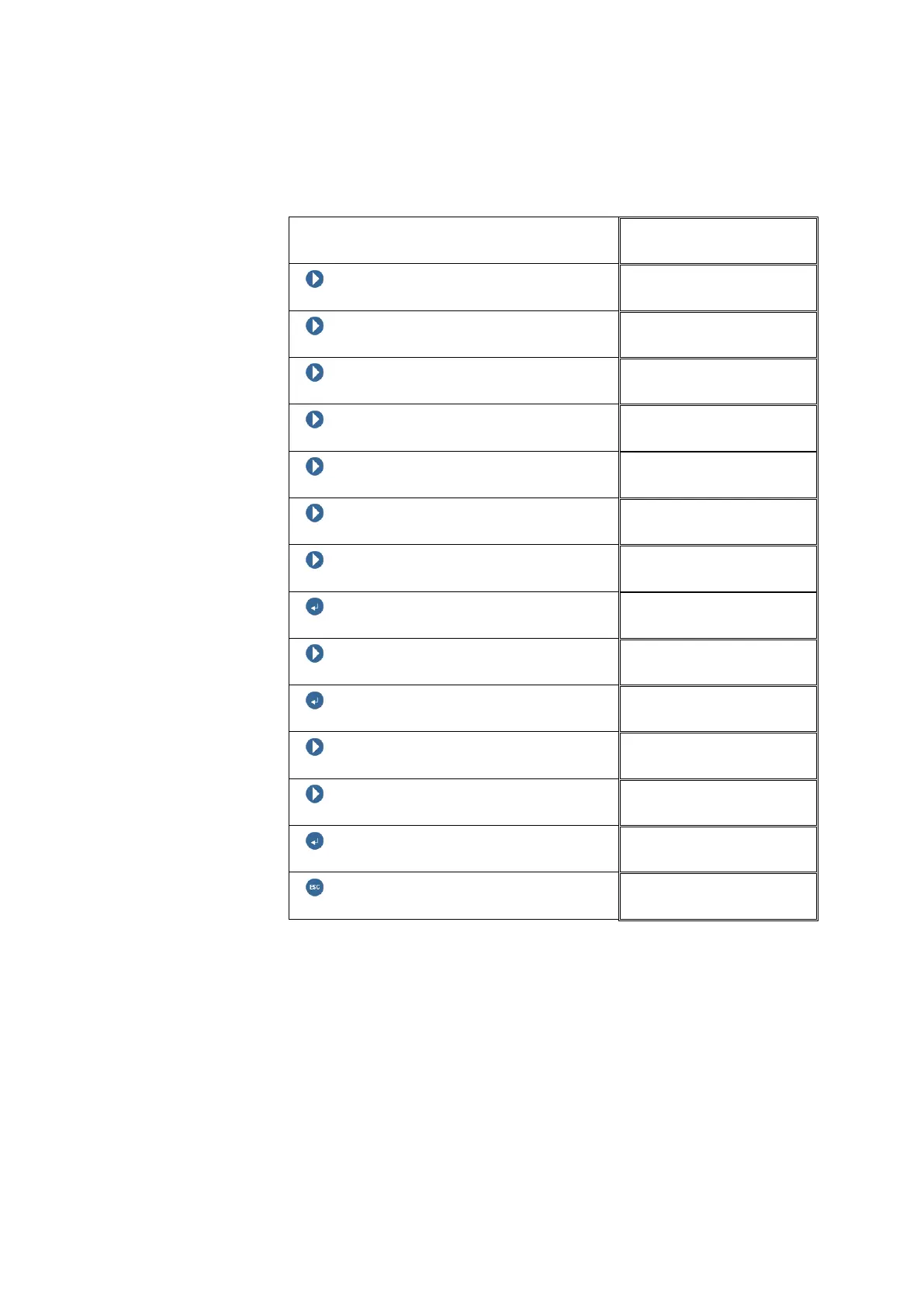
The averaging time for the RMS measurement is to be changed.
Block level
NEXT
NEXT
NEXT
NEXT
NEXT
NEXT
NEXT (until the RMS block appears)
ENTER BUTTON
RMS 01
NEXT
RMS 01
ENTER BUTTON
Averaging time
NEXT
Averaging time
NEXT
Averaging time
ENTER BUTTON
RMS 01
ESCAPE (Return to Block level)



 To Next Page