VC-6000
TM
Compact monitor Part D Displaying parameters
- 22 - C100585.002 Communication Vers. 03 © VC-6000
TM
Compact monitor Dec 09
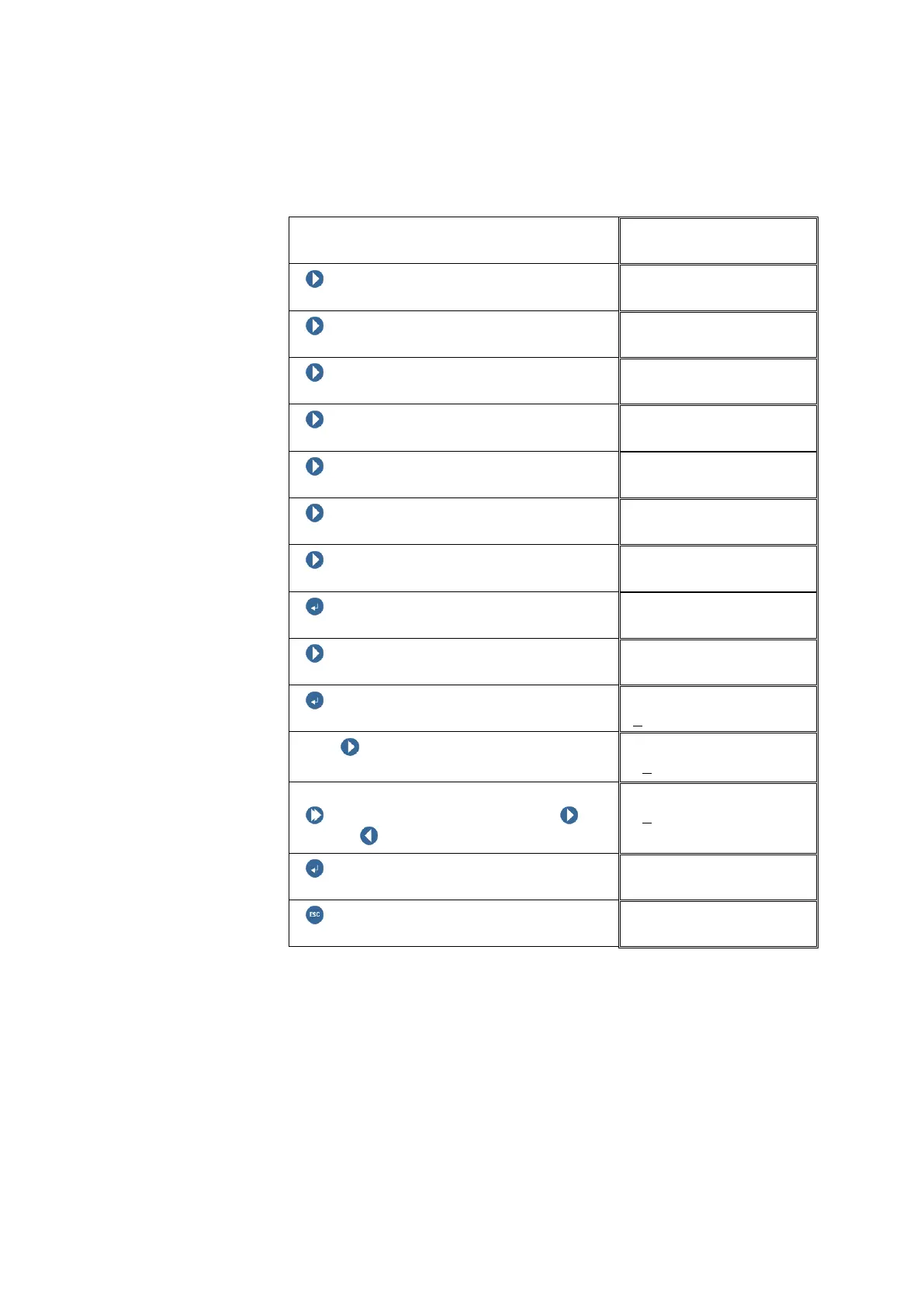
7.1.2 Editing continuously variable parameter settings:
The following example explains:
The rise time of the peak measurement is to be changed.
Block level
NEXT
NEXT
NEXT
NEXT
NEXT
NEXT
NEXT (until the PEAK block appears)
ENTER BUTTON
PEAK 01
NEXT
PEAK 01
ENTER BUTTON
Rise time
With NEXT select the digit position to
be changed.
Rise time
+1
0ms
Changing the digit:
Push and hold SHIFT, then push
NEXT / PREVIOUS to change the digit.
Rise time
+2
0ms
ENTER BUTTON
PEAK 01
ESCAPE (Return to the Block level)



 To Next Page