VC-6000
TM
Compact monitor Part D Function
- 6 - C100585.002 Communication Vers. 03 © VC-6000
TM
Compact monitor Dec 09
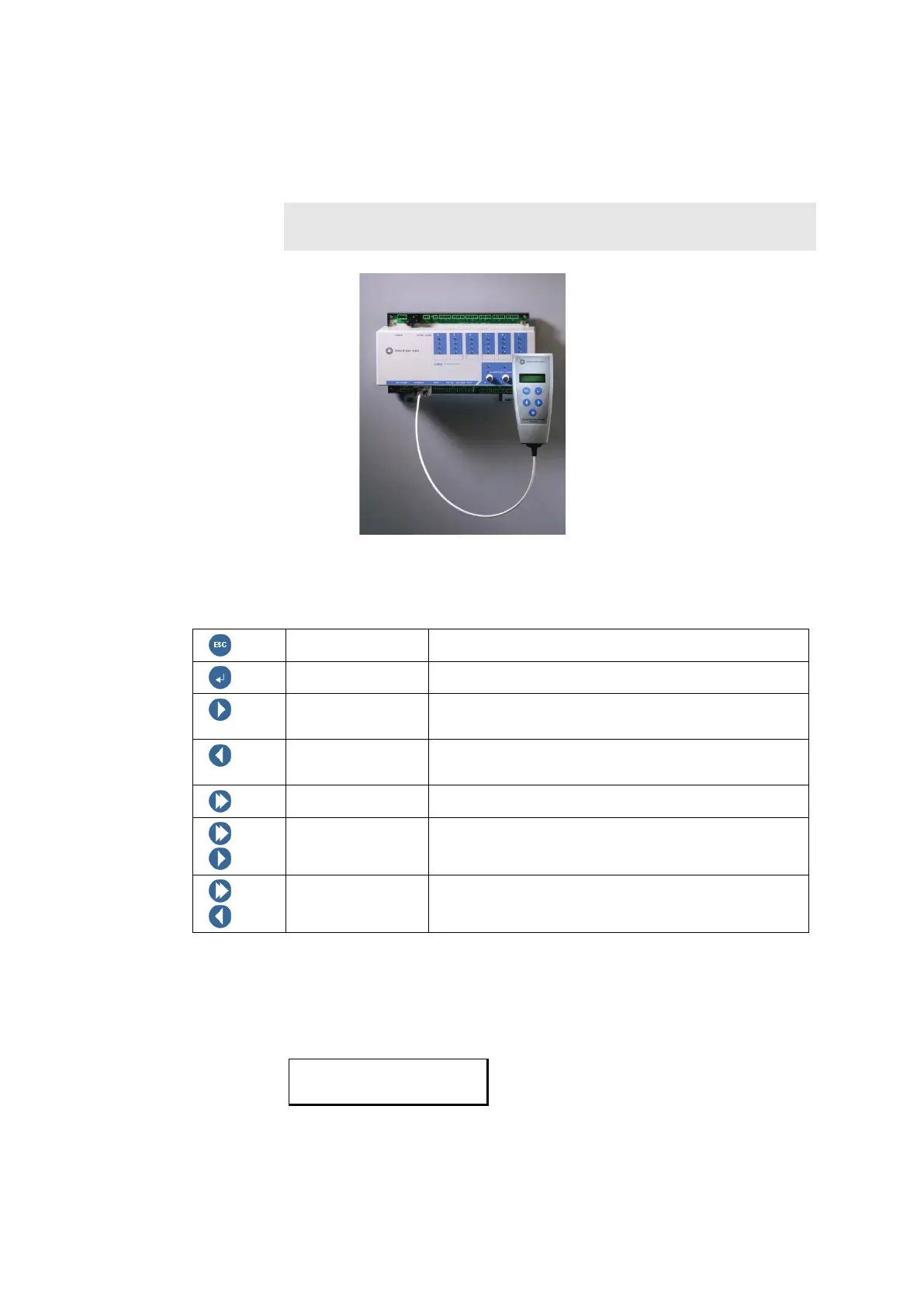
2.1 How is the User Terminal connected?
The User-terminal is connected directly through a 2,5 m long connection
cable to socket X24 of the VIBROCONTROL 6000 Compact monitor .
Note:
The connecting cable may not be lengthened!
2.2 The push-buttons
ESC Cancel the entry and/or go one menu level up
Enter Accept the entry and/or go one menu level down
Next Select the next element in a list or move the cursor
one position to the right
Previous Select the previous element in a list or move the
cursor one position to the left
Shift Editing of numeric parameters
+
Shift + Next Increase a number
+
Shift + Previous Decrease a number
2.3 The display
The display has two lines, each with 16 characters. This is displayed in the
documentation as follows:
CV_112
1
st
line = Firmware number
2
nd
line = Serial number



 To Next Page