Advice about the documentation Part D VC-6000
TM
Compact monitor
© VC-6000
TM
Compact monitor Dec 09 C100585.002 Communication Vers. 03 - 7 -
3 Advice about the documentation
The operation of the User-terminal is illustrated by showing the button that is
to be pushed (action), and the resulting display (reaction) is explained.
Example:
Start DISPLAY
CV_112
Enter button
3.1 The menu levels
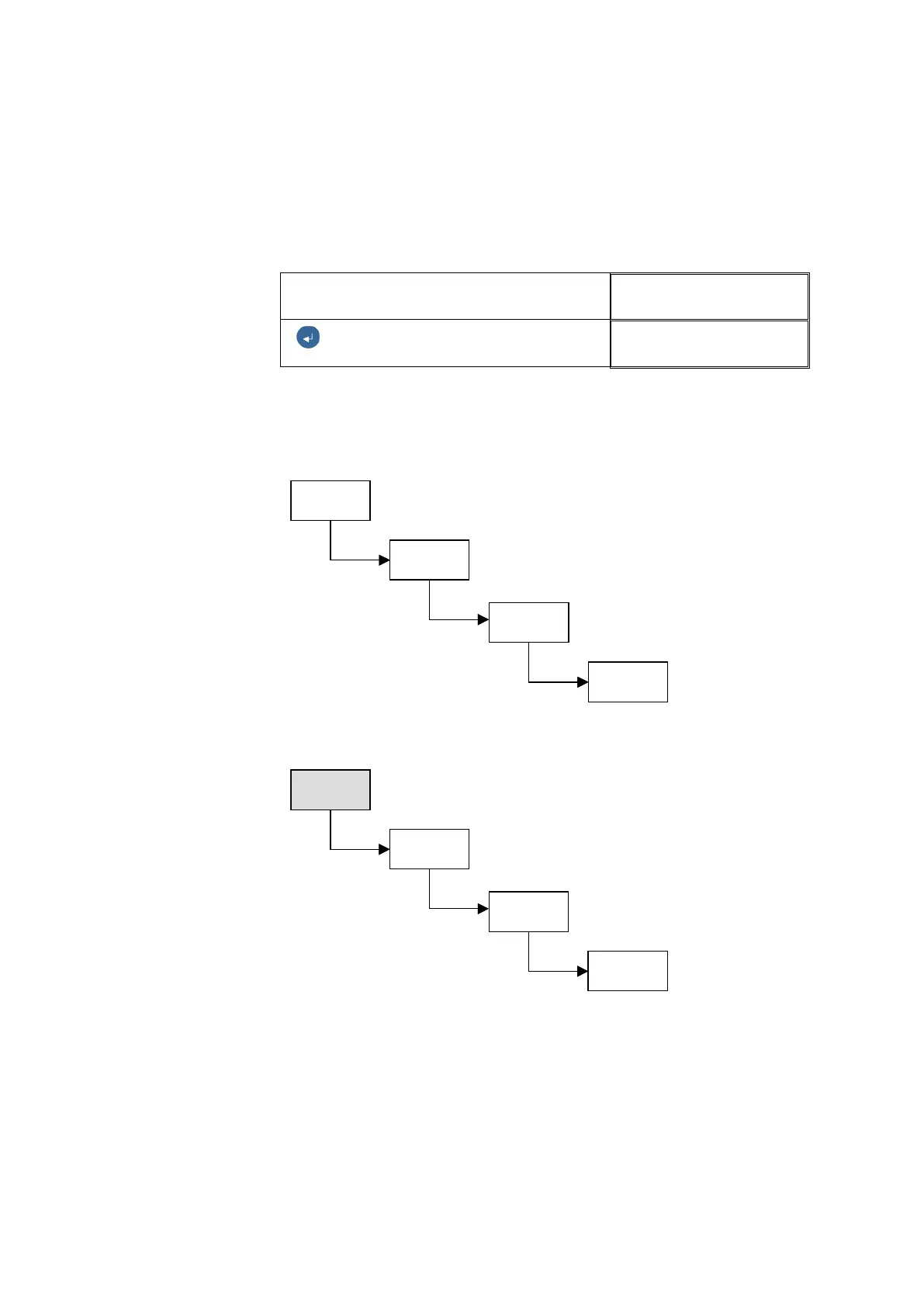
The dialogue of the User-terminal is organised into four hierarchical levels:
3.1.1 The Start level
The Start level is the top level in the menu hierarchy and is displayed when
the User Terminal is connected. The Start display contains information such
as the application firmware number, serial number and perhaps error
messages, e.g. <Set clock reference> if the time has not been set.
Parameter
level
Display &
editing level
Start level
Block level
Parameter
level
Display &
editing level
Start level
Block level
Parameter
level
Display &
editing level
Start level
Block level
Parameter
level
Display &
editing level
Start level
Block level



 To Next Page