User Menus Part D VC-6000
TM
Compact monitor
© VC-6000
TM
Compact monitor Dec 09 C100585.002 Communication Vers. 03 - 13 -
4.5 Logging off from the system
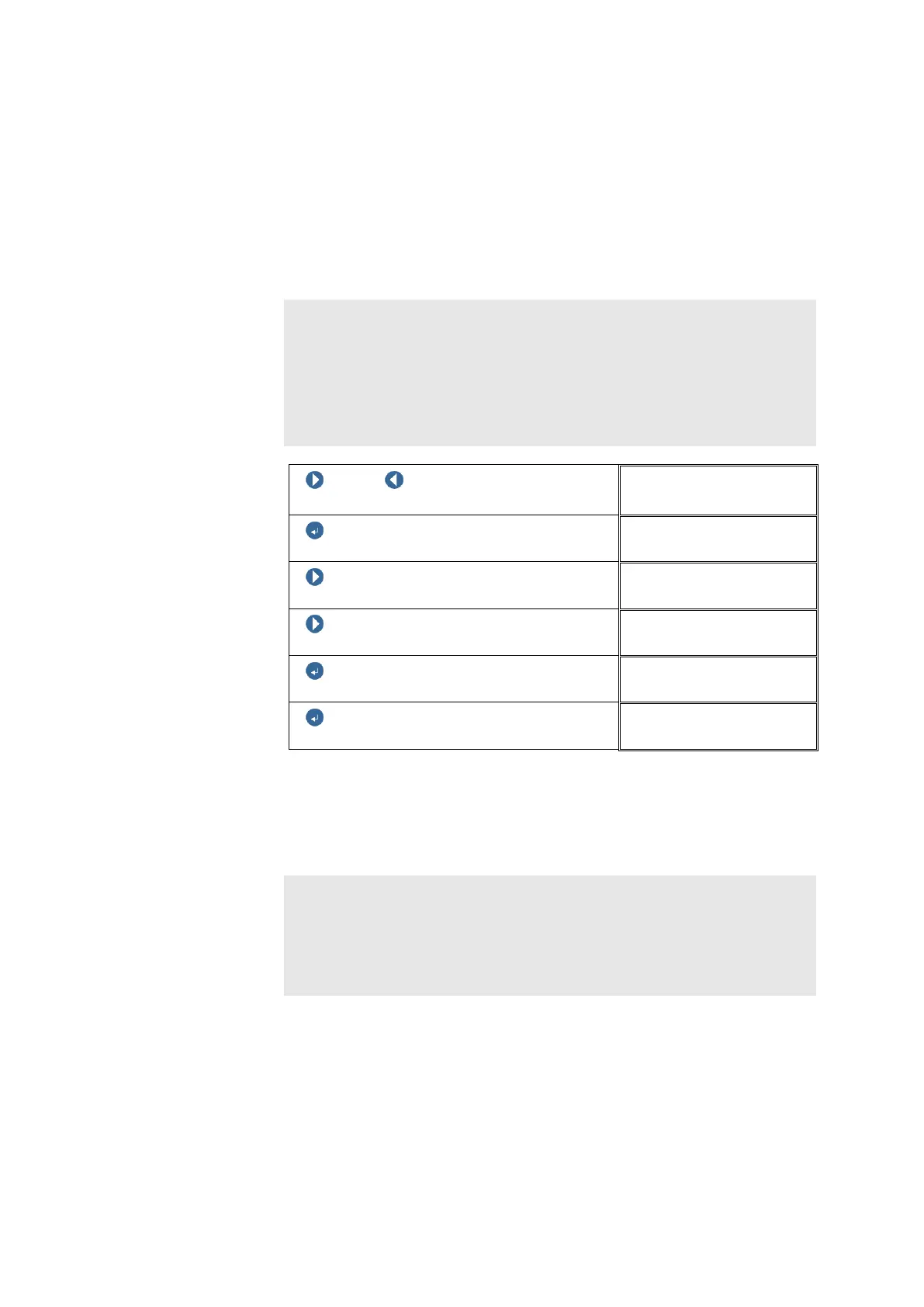
There are three possibilities to log off from the user dialogue.
4.5.1 1
st
option: [Logoff & save]
In this case the changes made will be saved and the SUPER USER will be
logged off.
Note:
With the acceptance of the new settings the changes are written to the
FLASH memory of the VIBROCONTROL 6000 Compact monitor.
Many parameter settings require a re-initialisation (new start) of the
VIBROCONTROL 6000 Compact monitor after being changed. This new
start is carried out automatically if required. As a rule the monitoring function
will be out of action for a few seconds.
NEXT / PREVIOUS
Select the user menu block
USER MENU
ENTER BUTTON
USER MENU
NEXT
USER MENU
NEXT
USER MENU
ENTER BUTTON
Logoff
ENTER BUTTON
SIMS-1g Mar 2002
4.5.2 2
nd
option: [Logoff & discard]
In this case the changes made will not be saved and the SUPER USER will
be logged off.
Note:
[Logoff & discard] means that the monitoring function will continue without
interruption. Because data was changed, the original data must be restored
from the FLASH memory of the system. This extracts an initialisation of the
system. During the initialisation the monitoring function will be out of action
for a few seconds.



 To Next Page